
How to use the ChatDaddy QR Generator?
https://www.loom.com/share/bfa9048a664d48809ccf2640d42cee21?sid=3d8d4fbb-b58f-4de4-91f1-977f158133a3
Updated Jul 18, 2026
Steps
- Open ChatDaddy dashboard.
- Locate "Tools" in the left menu.
- Click QR Generator.
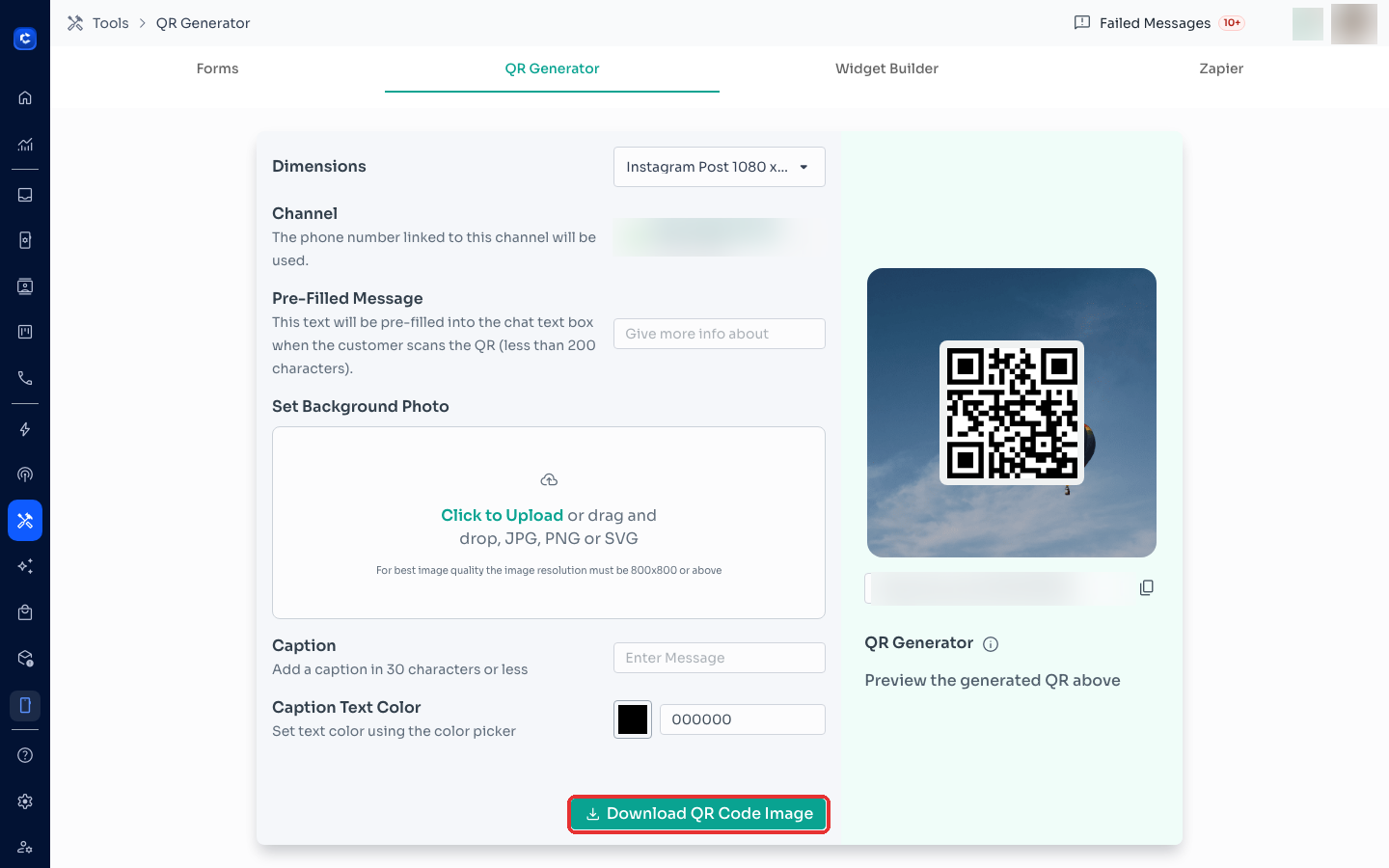
- Dimensions
- Select a pre-defined size or customize with size.
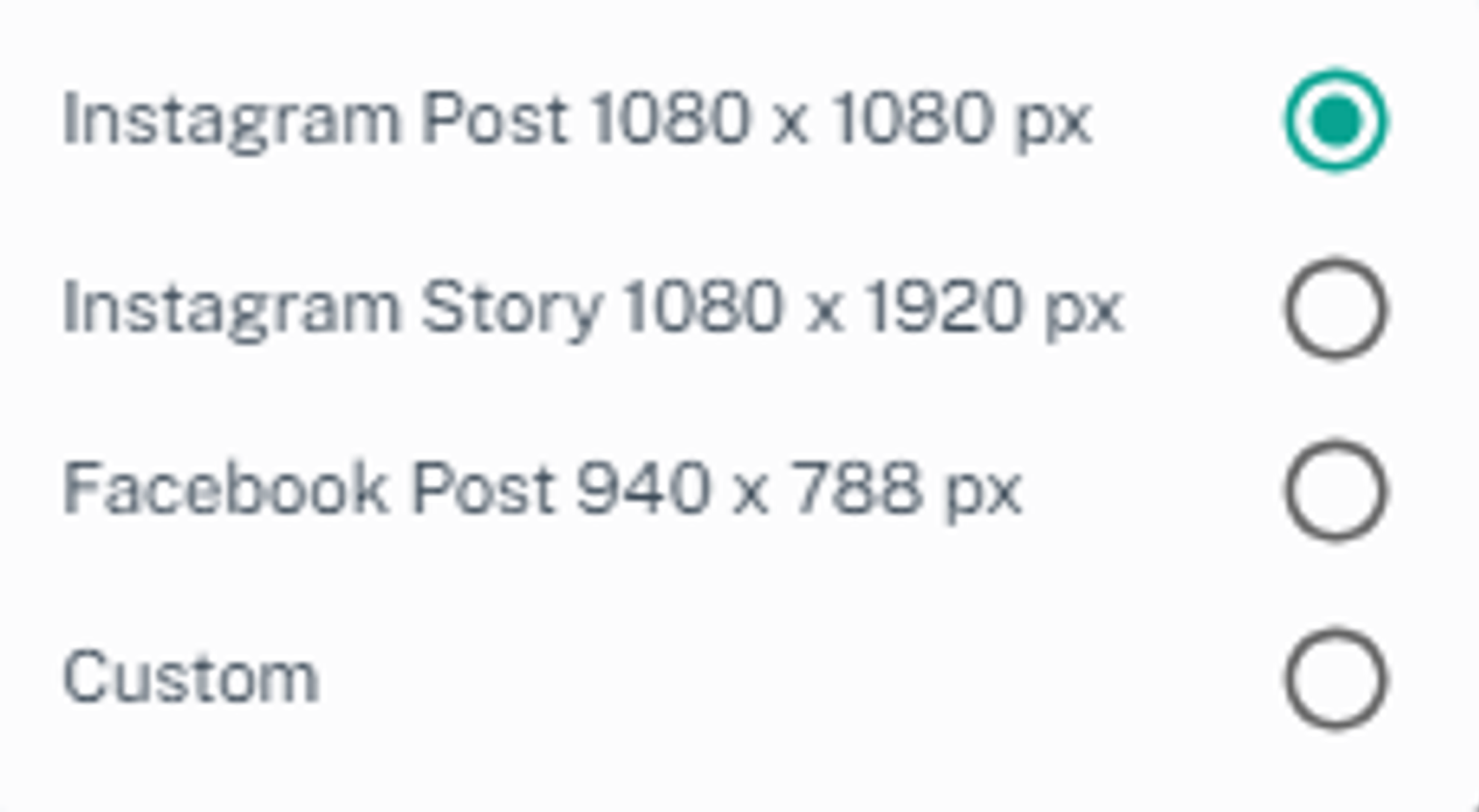
- Channel
- Select the channel you want customers to message to.
- Pre-filled Message
- Craft a message that will automatically appear when a user scans the QR code and opens the WhatsApp chat. This helps initiate the conversation and embed specific keywords you might want.
- Change Background Photo (Optional)
- Caption (Optional)
- Add a call to action text displayed below the QR code.
- Caption Text Color (Optional, if caption used)
- Click Download to save the finalized QR code image.
- Or you can copy the link generated.
Where to click
Was this article helpful?