
Connect TikTok Shop to ChatDaddy
1. After added successfully, click on the puzzle icon and the “chatdaddy” extension: 👇🏻 1. Click on the Tiktok Shop to connect with your Tiktok Shop :👇🏻 1. To get started, navigate to Tiktok Shop by c
Updated Jul 19, 2026
- After added successfully, click on the puzzle icon and the “chatdaddy” extension: 👇🏻
- Click on the Tiktok Shop to connect with your Tiktok Shop :👇🏻
- To get started, navigate to Tiktok Shop by clicking on the link.
- It will show you the Tiktok Shop Login page, Please choose the portal you wish to log into.
- After logging in successfully, reopen the ChatDaddy extension and click on "CONNECT TO CHATDADDY"!
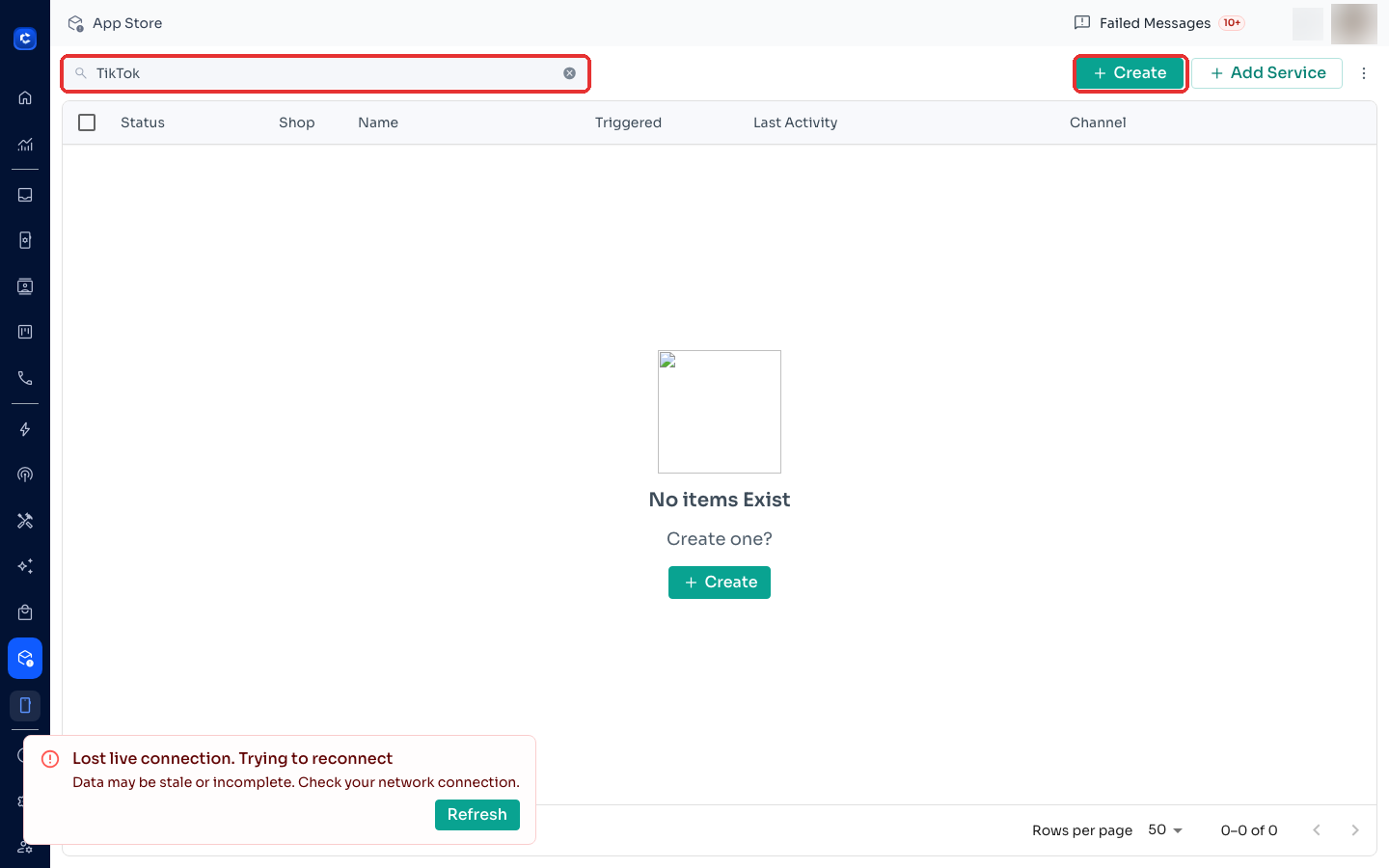
- Click on "+Integrate New" and then enter the integration name by clicking on "+Create".
Frequently Asked Questions (FAQs)
What happens if a buyer blocks my WhatsApp number?
- If a buyer blocks your WhatsApp number, the order confirmation message will not be delivered.
Where to click
Was this article helpful?