
How to change language on ChatDaddy?
Step 1: Click on your profile picture on the top right of your screen Step 2: Select “Change Language” Step 3: Select the language which you want to use [https://drive.google.com/file/d/1fI1m-fDCJb
Updated Jul 18, 2026
Switch the ChatDaddy interface language in a few clicks.
Step 1: Open Settings → Personal Profile
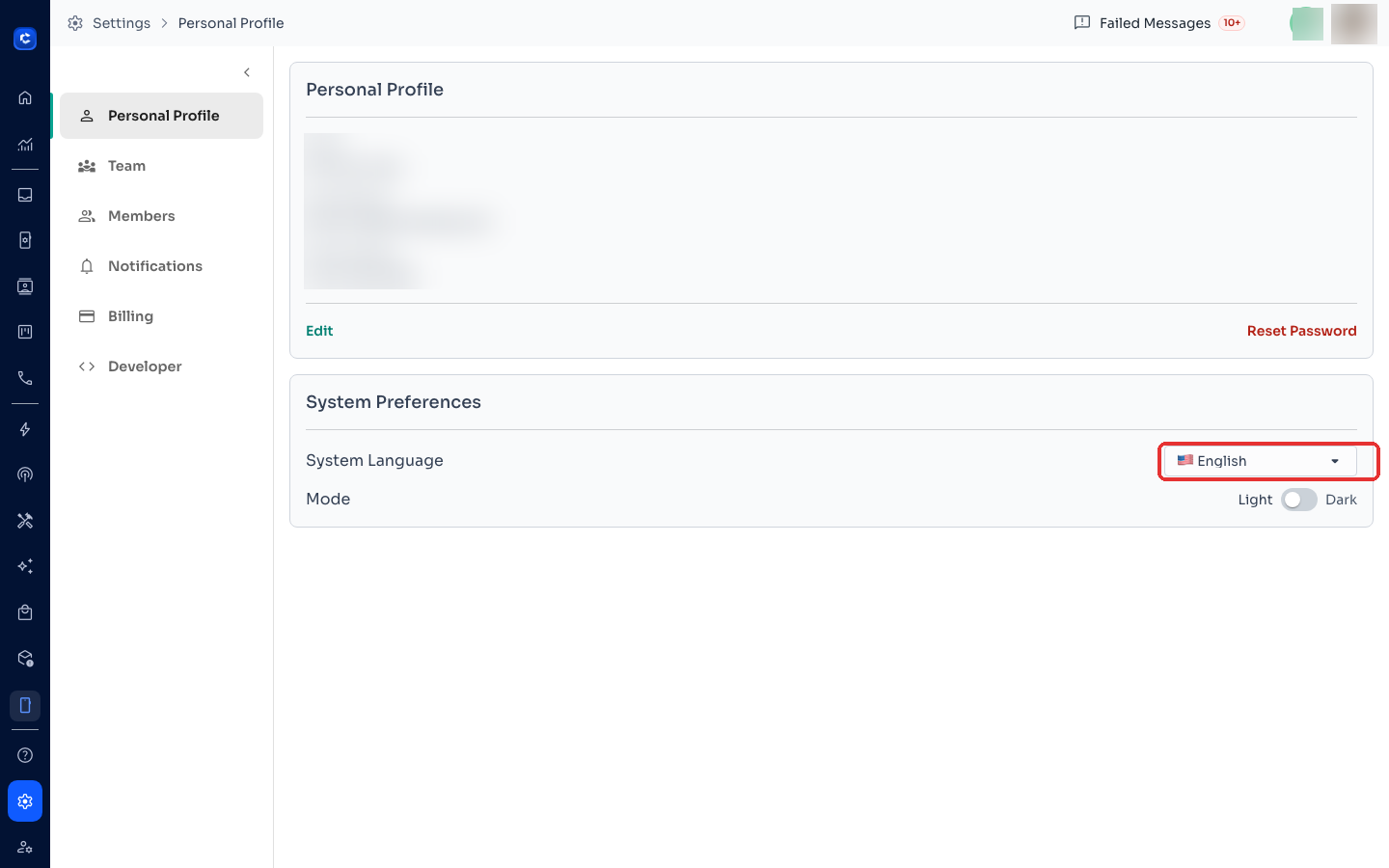
Click the Settings (gear) icon at the bottom of the left sidebar. The Personal Profile page opens first.
Step 2: Change the System Language
Under System Preferences, open the System Language dropdown and pick your language. The interface switches immediately — no restart needed.
Tip: the same section has the Light / Dark mode toggle. On the login page, there's also a language selector at the top before you sign in.
Was this article helpful?