
How to move tickets within CRM boards
You have three options for updating a ticket stage:
Updated Jul 17, 2026
You have three ways to move a ticket to another stage.
Option 1: From the CRM page
Step 1: Open the CRM page and find the ticket
Click CRM in the left sidebar and locate the ticket card.
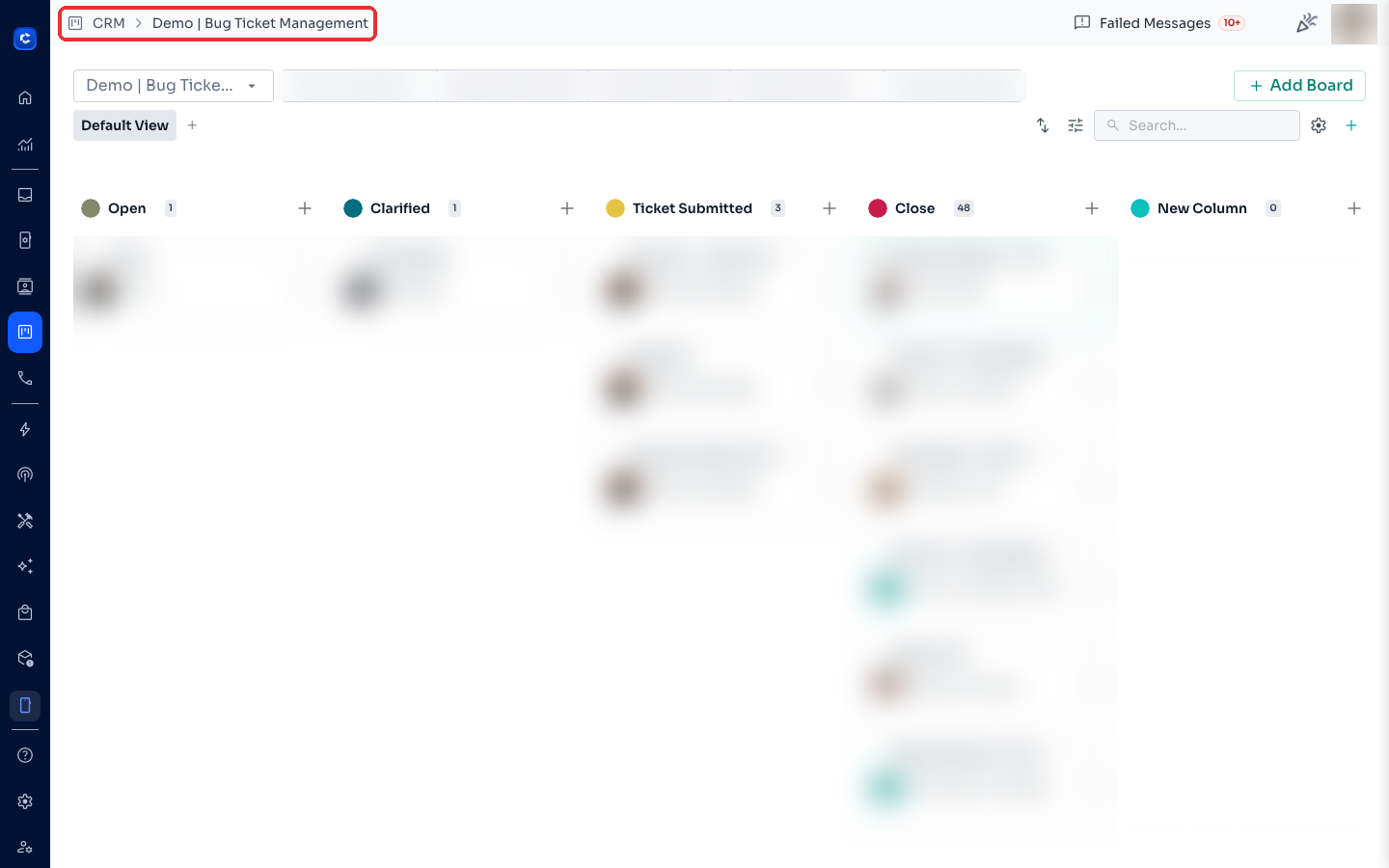
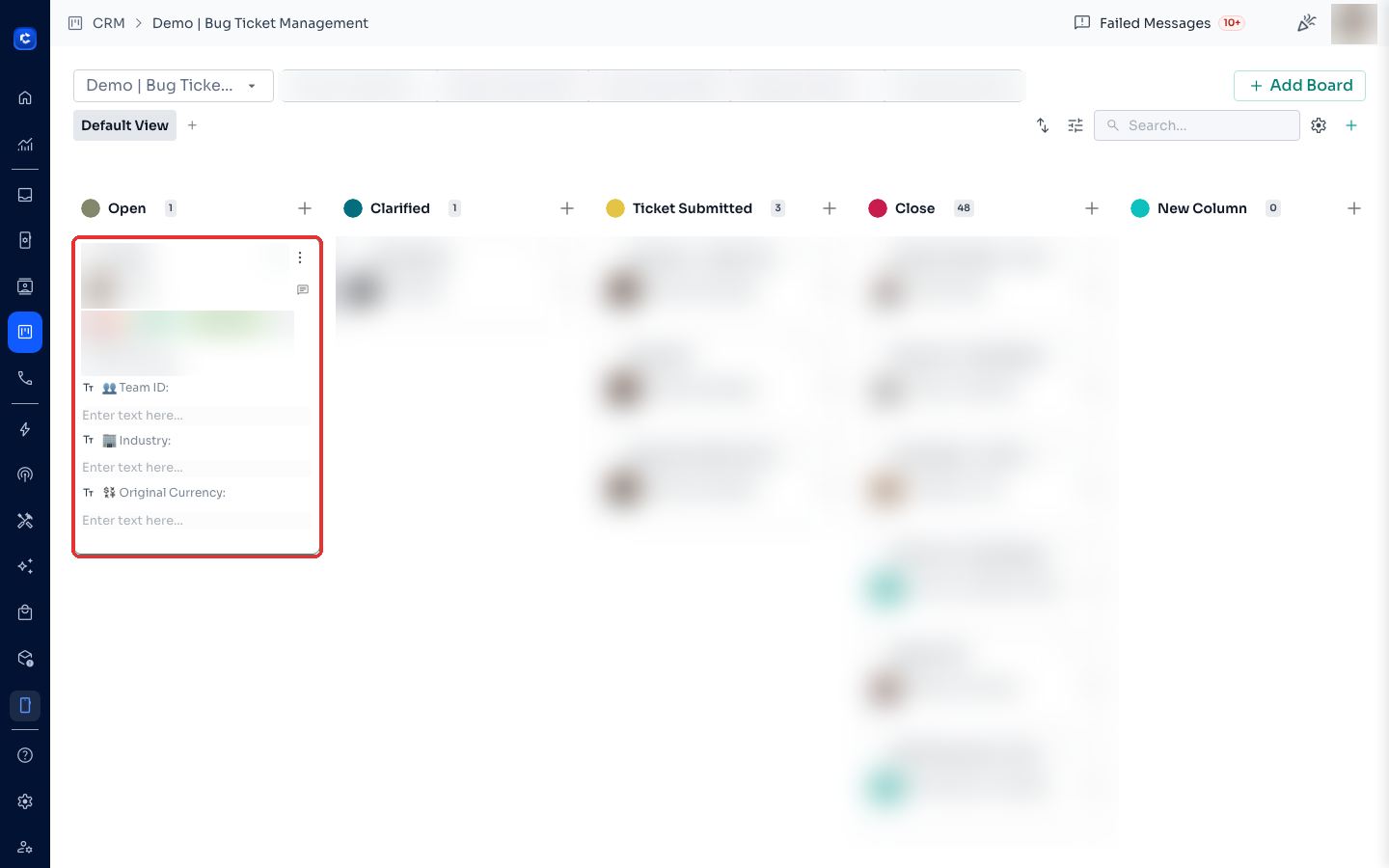
Step 2: Expand the ticket
Click the ⌄ chevron on the ticket card to expand its details.
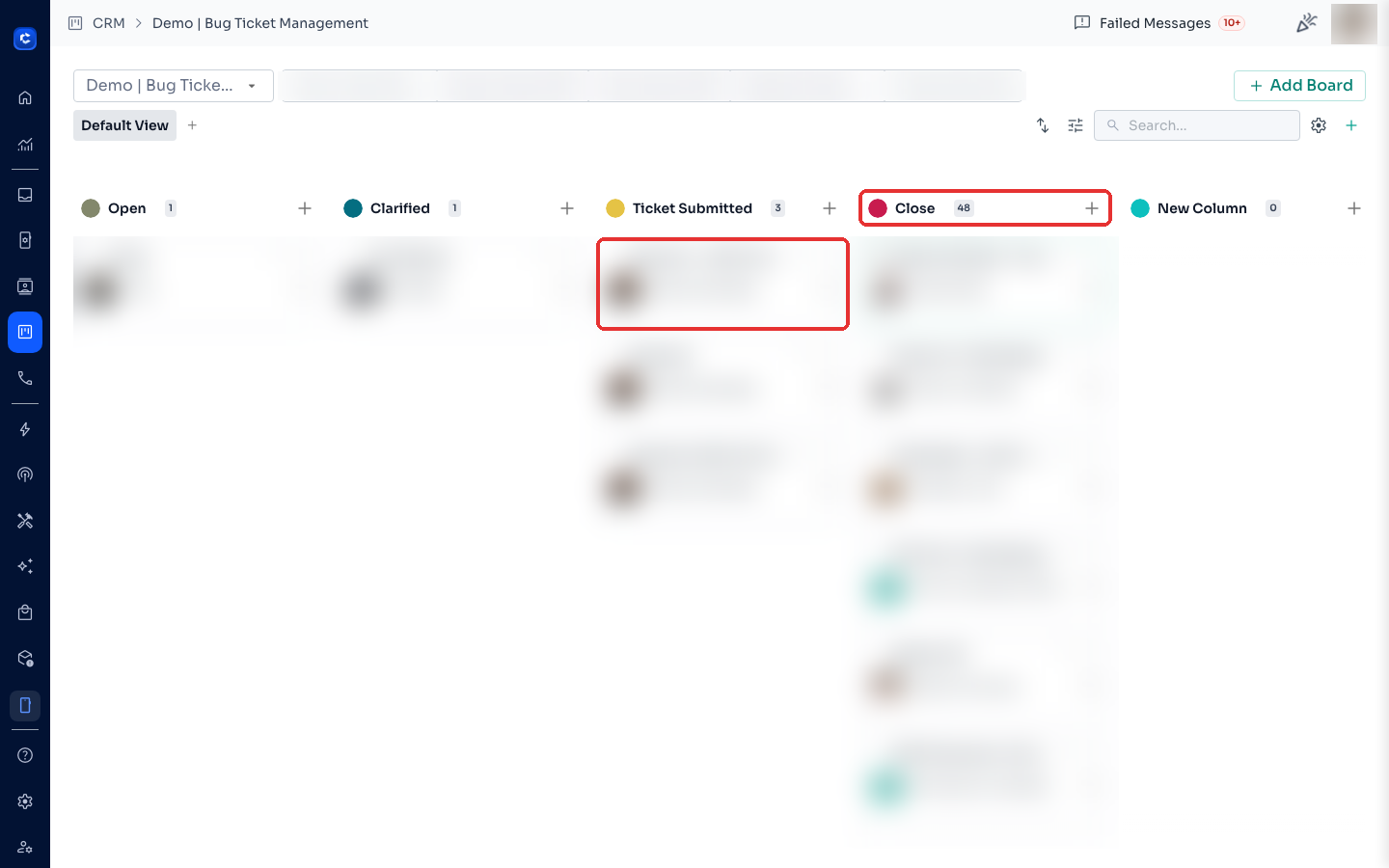
Step 3: Drag it to the new stage
The fastest way: drag and drop the card onto the target stage column.
Tips:
- You can also change the stage from the ticket's details view.
- To move a ticket to a different board, open the ticket details and select another board.
Option 2: From the Inbox
Open the contact's conversation → the ticket panel on the right → change the stage there.
Option 3: Automatically through Message Flows
Use the Update Ticket node — see How to Use the Update Ticket Node.
Was this article helpful?