
How to switch teams in ChatDaddy
If you have multiple teams in Chatdaddy, you can switch between them by following these steps: Step 1: On your ChatDaddy page, on the top right corner, click the User Icon. Step 2: Click Switch Tea
Updated Jul 17, 2026
If you belong to multiple teams in ChatDaddy, switch between them in two clicks:
Step 1: Click your profile picture
Click your profile picture in the top-right corner, then click Switch Team.
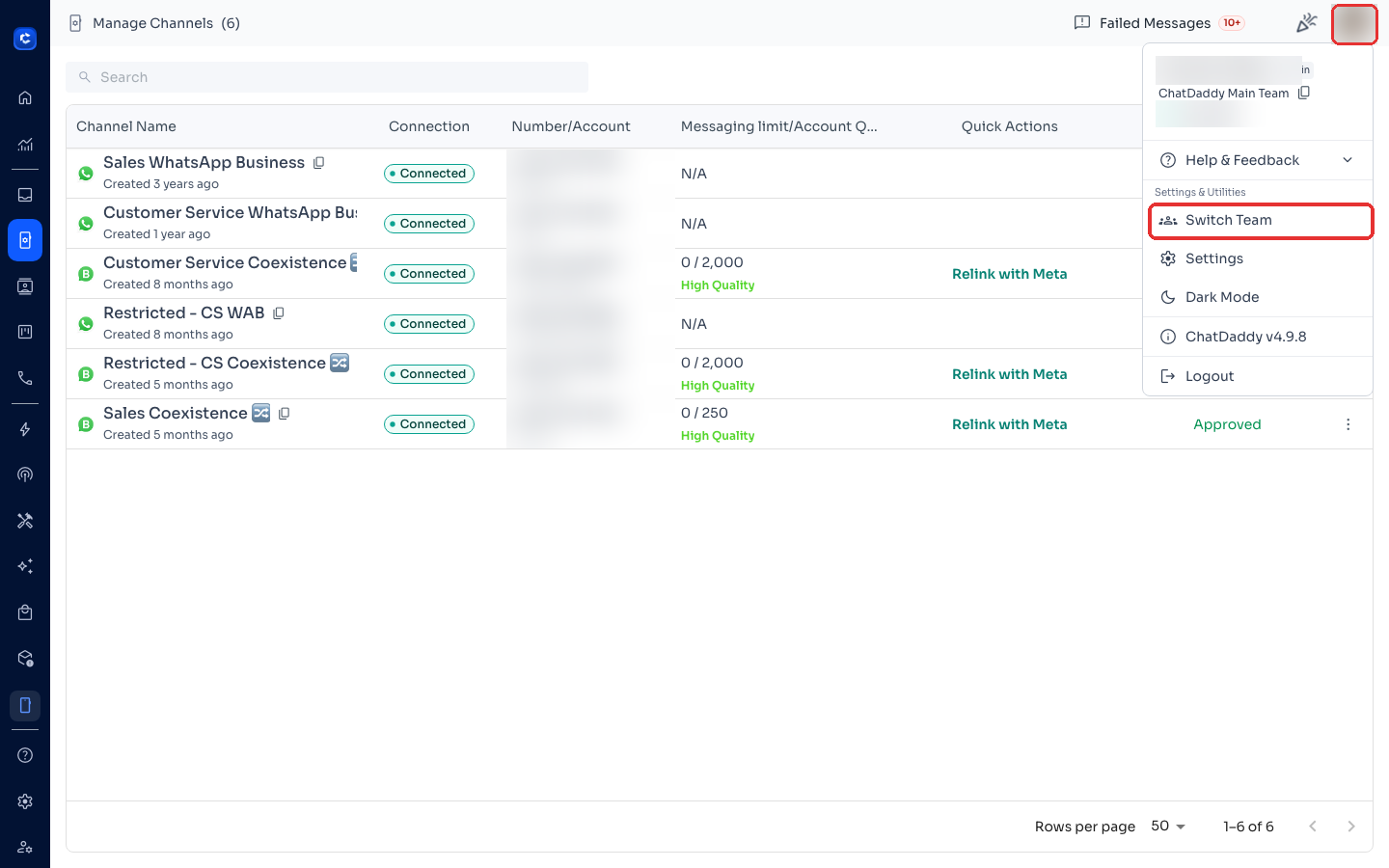
Step 2: Pick the team
Search by team name or paste the Team ID, then click the team to switch.
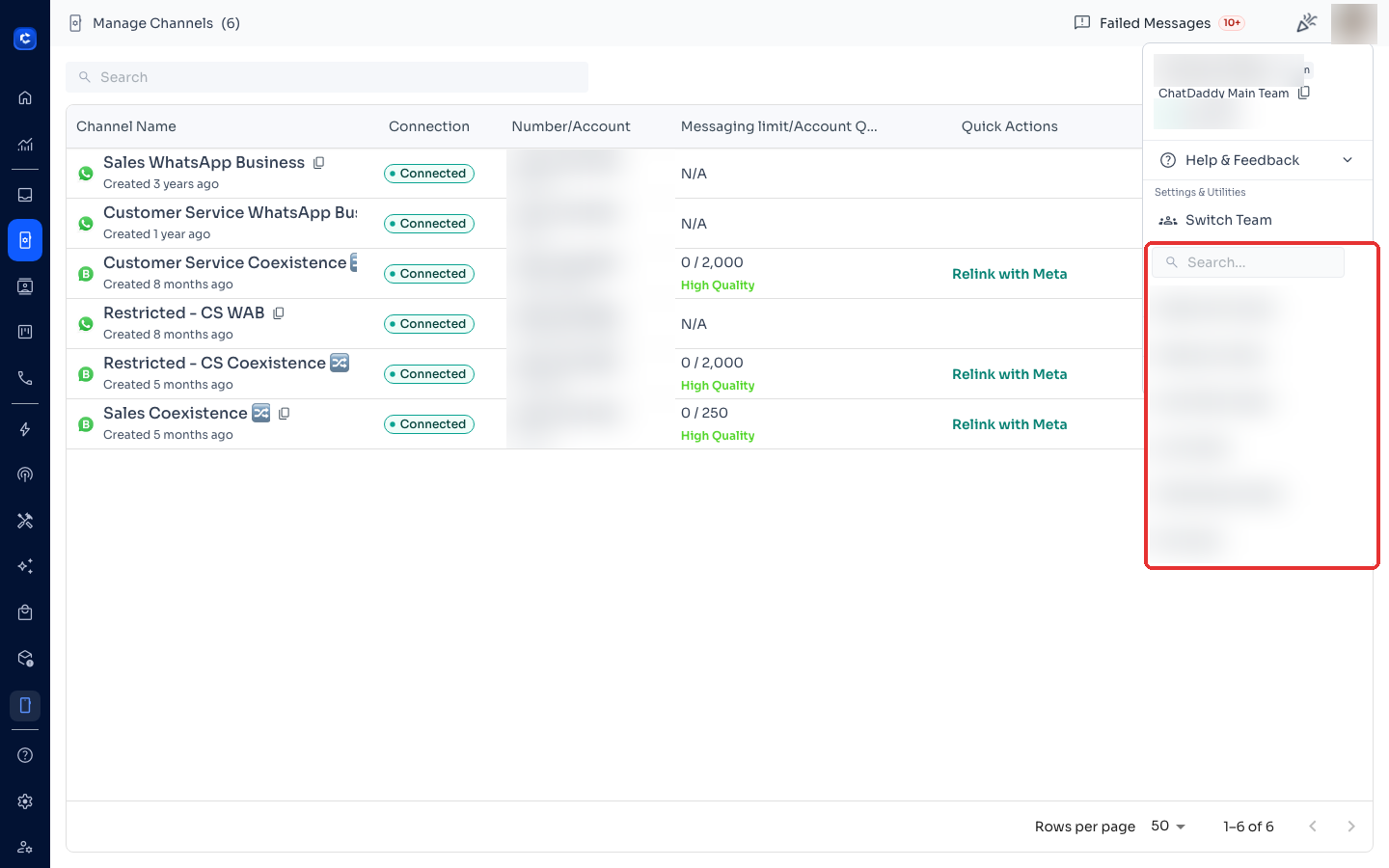
Tip: your current team name and Team ID are shown at the top of this same menu — useful when support asks for your Team ID.
Was this article helpful?