
Troubleshooting Google Form Shop Notifications
Step-by-Step Instructions Google Form Integration
Updated Jul 18, 2026
Step-by-Step Instructions
1. Google Form Integration
Follow the same installation steps as outlined in our main help document here.
2. After following the installation guide, you may encounter an error message stating “Invalid credentials.” This is expected as part of the workaround.
3. Refresh the Shop Notification Page
Go back to the Shop Notification page and refresh your browser.
4. Re-setup Google Form Shop Notification
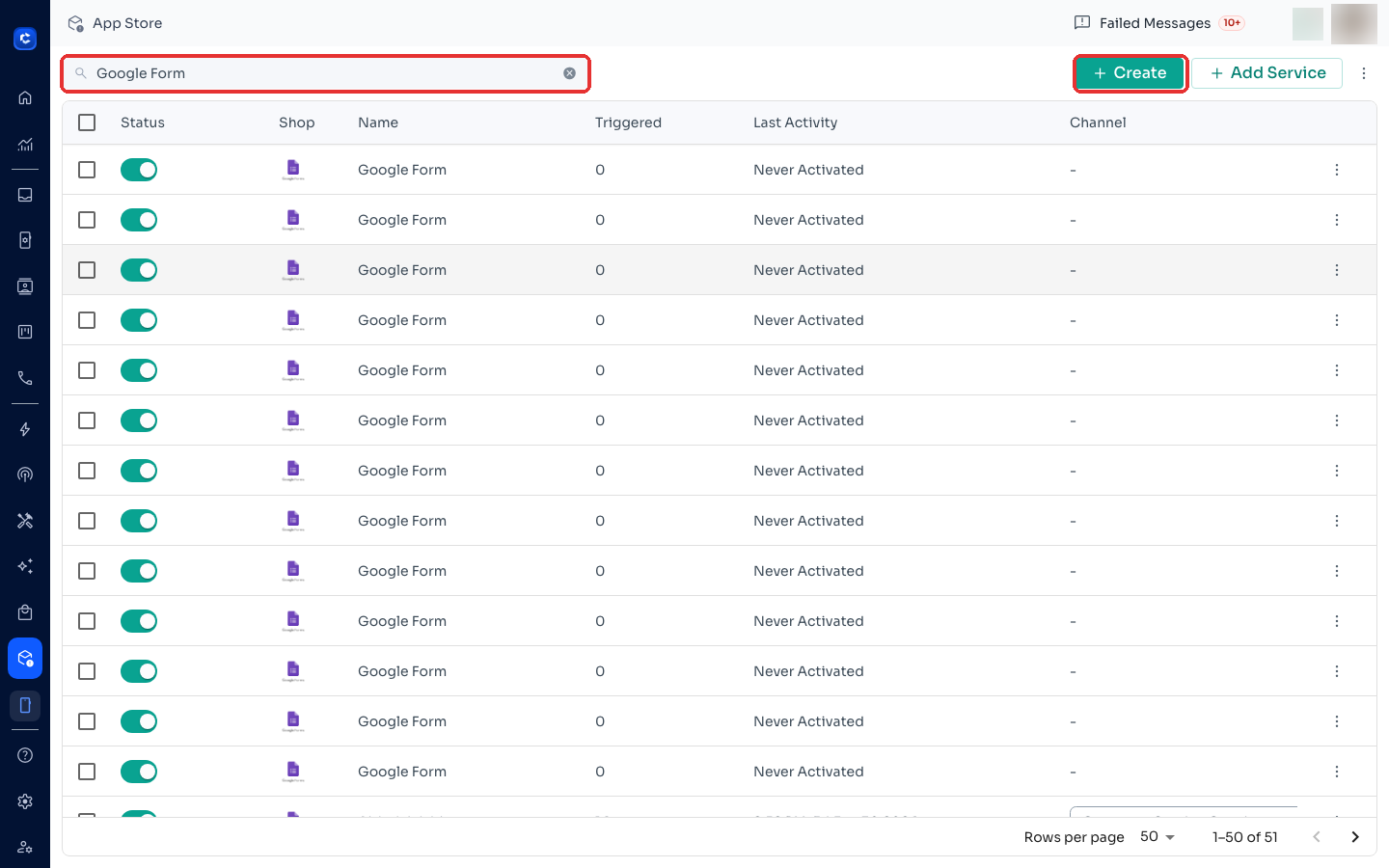
Click on the three dots (⋮) located on the right side of the page.
Select “Relogin” from the dropdown menu.
5. Enter the Google Form Link
Paste your Google Form link into the provided input box.
If you encounter this workaround and are still facing issues, please submit a ticket to our support team by following the instructions in this help doc.
Where to click
Was this article helpful?