Send OTP through ChatDaddy API
Learn how to send an OTP through ChatDaddy’s message flow API
Follow these steps to send OTPs to your clients through ChatDaddy:
Step 1: Create a Message Flow
- Log in to ChatDaddy and navigate to Automation > Message Flows.
- Create a new message flow by clicking the "+" button on the left sidebar.
- In the message flow editor, create a template with the message you want to send to your customer. Ensure you use the variable {{verificationCode}}. Ex:
Hello {{name}} ! Here is your OTP: {{verificationCode}}
- Submit your flow for approval to WhatsApp. Once approved, you will be able to use this template to message your customers
Make sure to include the {{verificationCode}} variable as this will be replaced by your OTP when you send the message
Step 2: Submit the Template for Approval
- Once your message flow is created, you need to submit the template for approval to WhatsApp.
- Navigate to the three dot menu on the top right of your message flow and select "Submit for Approval"
- Select your WABA Channel and the message you want to send for approval. Also input the language of your message and select "Authentication" in Category
You will not be able to send your message to your clients without submitting it for approval. The WhatsApp team may take up to 24 hours to approve your message
Step 3: Generate an API Token
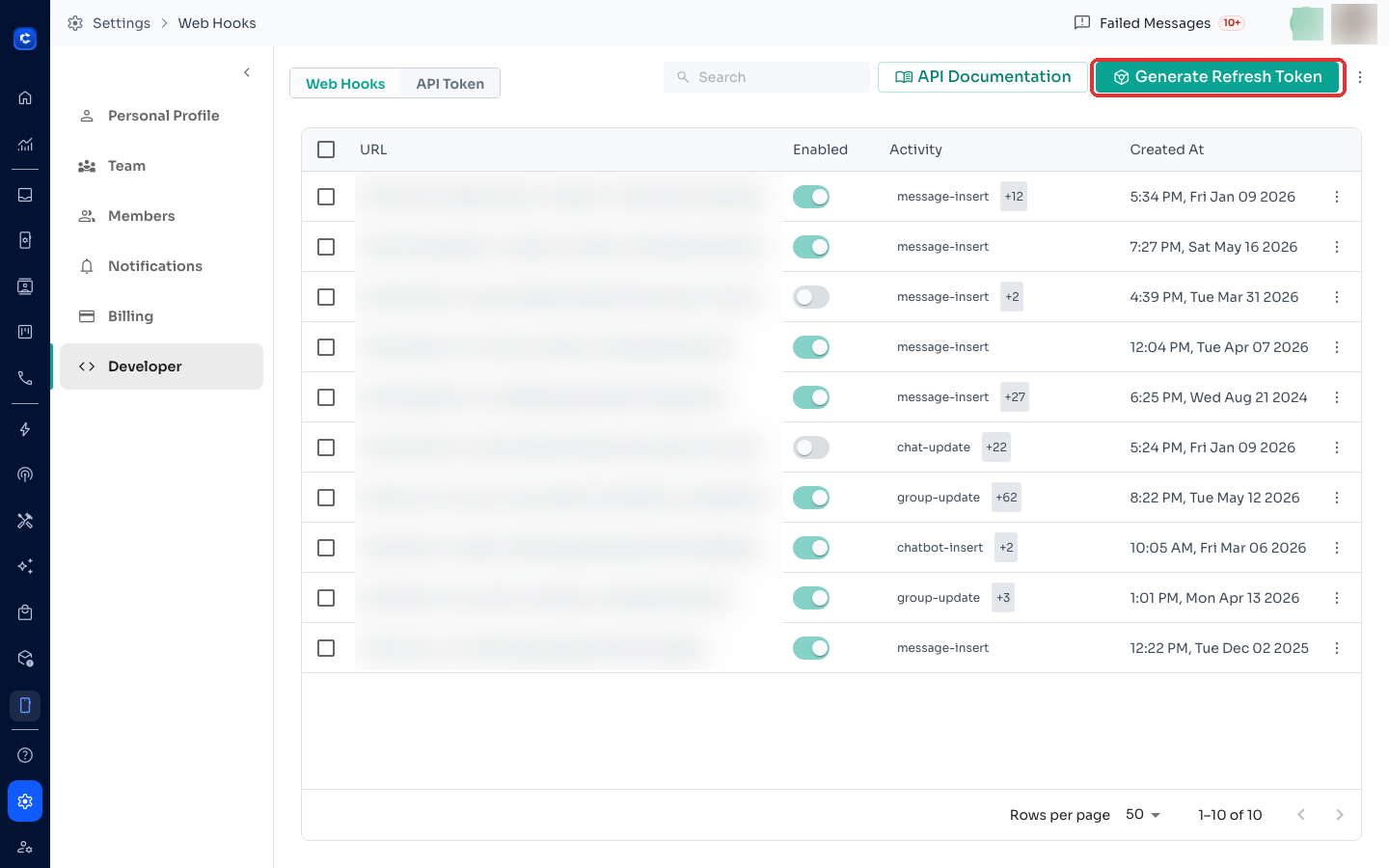
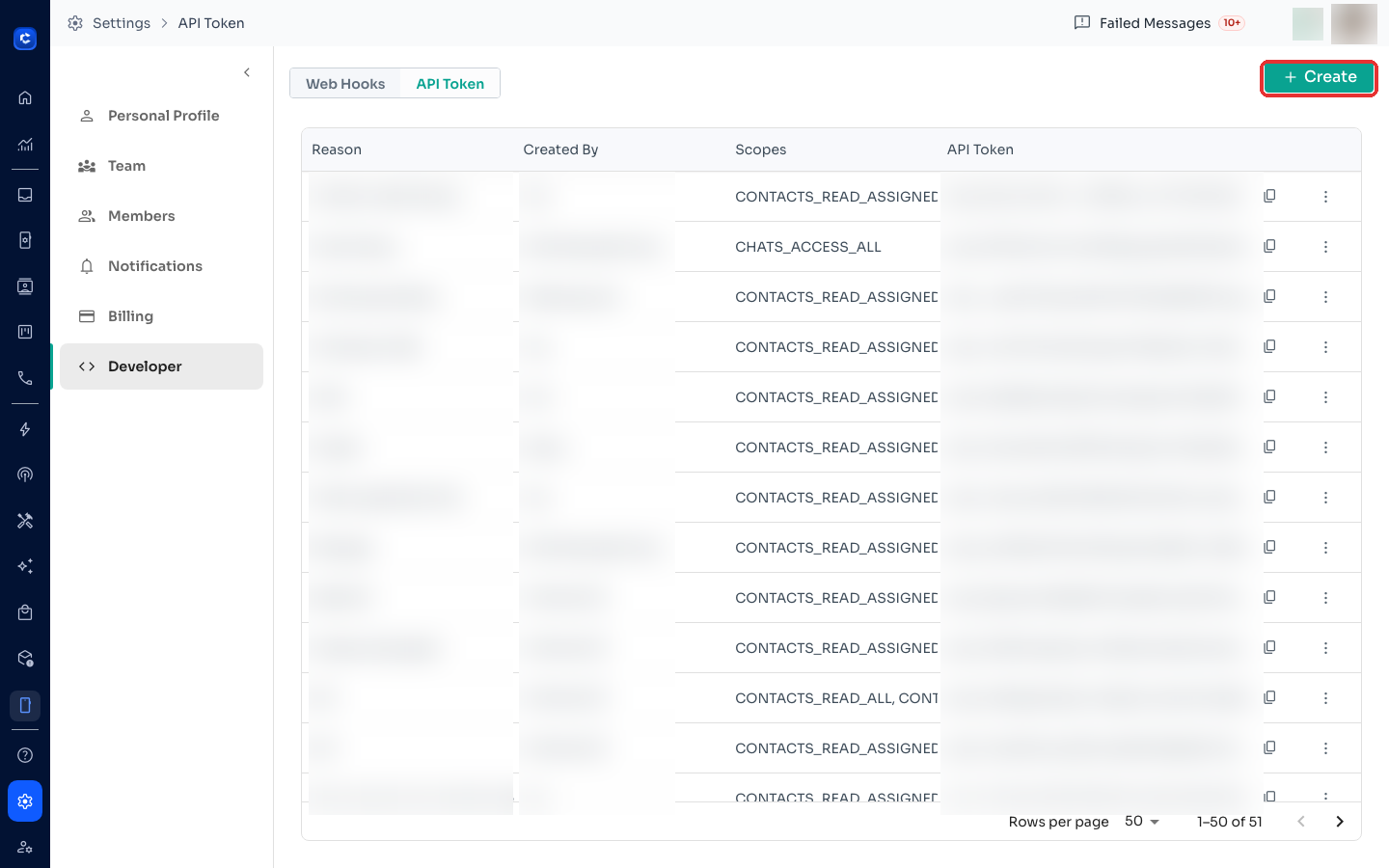
- Navigate to the Developer section in ChatDaddy and select API Token.
- Click on the "+Create" button to create a new API token.
- Give your API token a name, for example, "OTP Token".
- Assign the necessary scope to it and click Save:
- Access to Messages to All: MESSAGES_SEND_TO_ALL
- Copy the generated API Token
Step 4: Use the API Token to Send OTPs
- With your API token ready, you can now use it to send OTPs programmatically.
- Use the bots/{id}/fire API endpoint to send the message flow you created earlier. Refer to the API Documentation for more details.
Requirements for the API Request
- Your API Token: "Bearer" + Space( ) + The token you generated in Step 3. For example: Bearer apit_KjLAhuzJIdAA9SpZfLEUOAMs8D1450k16ppuRW
- The bot ID: The ID of the message flow you created in Step 1. This can be found at the end of the URL of your message flow. For example, if your URL is https://www.app.chatdaddy.tech/automation/messageFlows/addEdit/bot_8d3b30d69965baf7 , your bot ID would be bot_8d3b30d69965baf7.
- Receiver's Phone Number: The phone number of the recipient with the country code.
- Your Account ID(optional): In case you have multiple channels, you can select which channel you want to send the message from by going to "Manage Channels" and copying the ID of your channel
- Pre-generated OTP: The OTP you want to send to your client.
The OTP will have to be generated by your own system and will not be done by ChatDaddy
Example Code
Here's an example of how to send an OTP using the ChatDaddy API. You will need to replace the variables in bold with actual values
YOUR_BOT_ID : bot_8d3b30d69965baf7
YOUR_API_TOKEN : Bearer apit_KjLAhuzJIdAA9SpZfLEUOAMs8D1450k16ppuRW
YOUR_ACCOUNT_ID : acc_36dce712-a9eb-4275-96_ca8s
CONTACT_WITH_COUNTRY_CODE : 918074906794
YOUR_OTP : 123456
const url = 'https://api-bots.chatdaddy.tech/bots/YOUR_BOT_ID/fire';
const options = {
  method: 'POST',
  headers: {
    'Content-Type': 'application/json',
    Accept: 'application/json',
    Authorization: 'Bearer YOUR_API_TOKEN'
  },
  body: JSON.stringify({
    accountId: 'YOUR_ACCOUNT_ID',
    toContact: 'CONTACT_WITH_COUNTRY_CODE'
    parameters: {
      verificationCode: 'YOUR_OTP'
    }
  })
};

try {
  const response = await fetch(url, options);
  const data = await response.json();
  console.log(data);
} catch (error) {
  console.error(error);
}
Conclusion
By following these steps, you can set up a system to send OTPs to your clients through ChatDaddy. If you have any further questions or need assistance, feel free to contact our support team.
Where to click