Understanding Analytics Metrics in ChatDaddy
What every metric on the ChatDaddy analytics dashboard means — active chats, response times, activity rates, message counts, team member breakdowns and more.
Also searched as: ChatDaddy analytics meaning, dashboard metric definitions, first response time meaning, chat activity rate, analytics glossary, team performance metrics, message metrics explained, KPI ChatDaddy, contact activity level, reporting definitions
Your ChatDaddy analytics dashboard tracks how your team handles conversations. Here's what each metric means, with examples.
Active Chats Today
Definition: The number of chats that are actively ongoing for the day.
Example: 6 active chats.
Contact Velocity
Definition: The percentage increase or decrease in the number of contacts over time.
Example: 1% velocity.
3. Contact Metrics
Total Contacts
Definition: Total number of contacts recorded in the system.
Example: 11,273 contacts.
First Response Time
Definition: Time taken to send the first response to an incoming message.
Example: 14 minutes.
7. CRM Metrics
Average Tags per Contact:
The average number of tags assigned per contact to categorize or organize them.
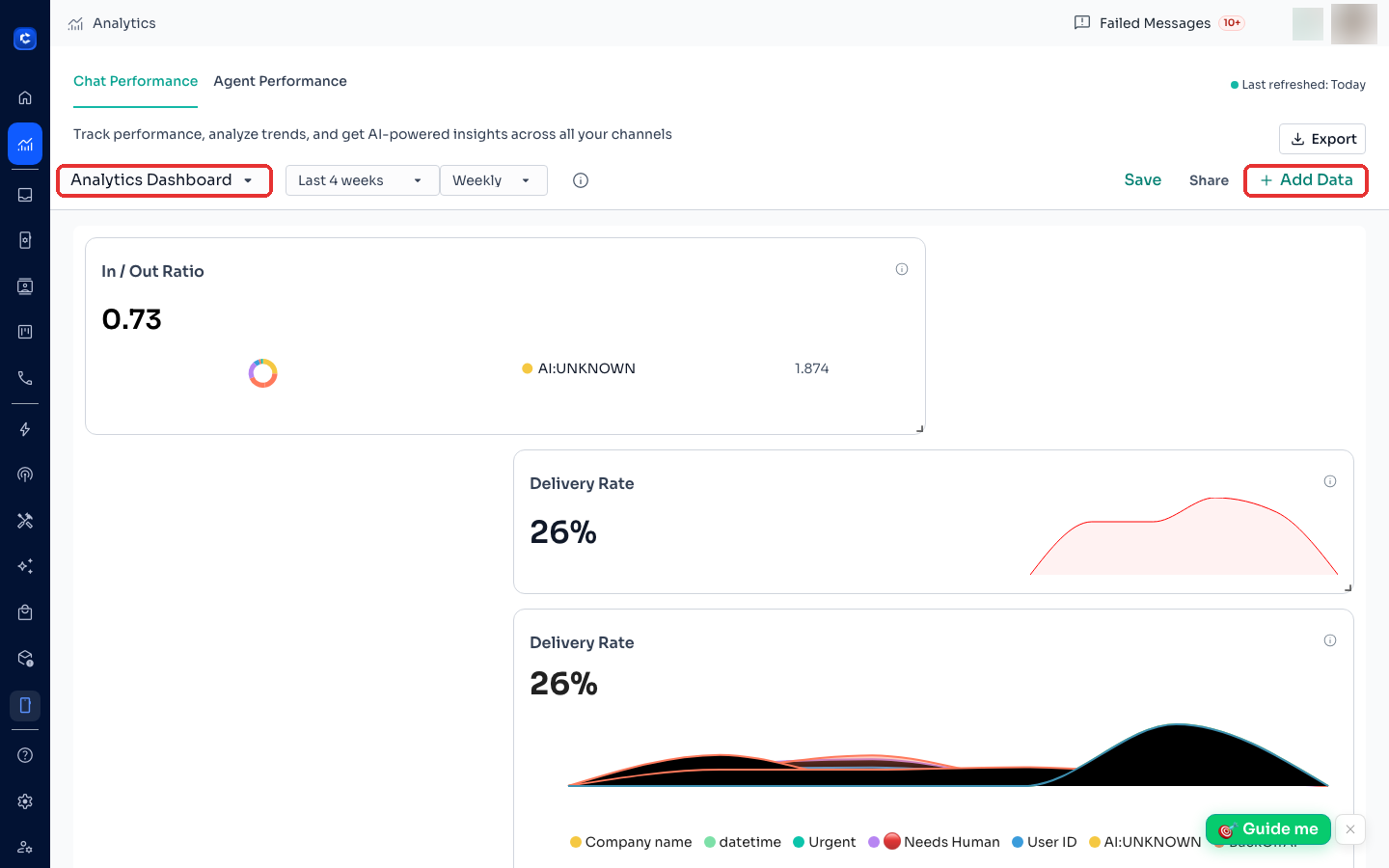
In and Out Ratio:
Ratio of inbound to outbound communication.
Tags Breakdown:
A visual representation (pie chart) of tag distribution, highlighting the most frequently used tags like “WhatsApp Broadcast,” “CD Broadcast,” and custom tags.
Notes
Metrics update based on the chosen time filter (e.g., daily, weekly, monthly).
If you’re on the previous version of the dashboard and would like to get this default dashboard, just create a new dashboard.
This guide should help you navigate and interpret the dashboard metrics effectively.
First Assign Time
Definition: Time taken to assign the first message to a team member.
Example: 0 seconds.
5. Message Per Contact Activity Rate
Total Contacts
Definition: Total number of contacts in the system.
Example: 11,273 contacts.
Time Saved by using ChatDaddy
- Definition: Displays the time that is saved by your team because of using automations on ChatDaddy. Also gives a breakdown of which automation saves the most time.
2. Chat Metrics
Total Chats
Definition: Displays the total number of chats initiated within the selected timeframe.
Example: 978 total chats.
New Chats
Definition: Shows the number of new chats started.
Example: 13 new chats.
Contact Activity Level
Definition: Percentage of contacts engaging with messages.
Example: 0% activity level.
Outgoing Messages
Definition: Total number of outgoing messages sent.
Example: 625 outgoing messages.
Chat Activity Rate
Definition: The percentage of contacts actively participating in chats.
Example: 4% activity rate.
Incoming Messages
Definition: Total number of incoming messages received.
Example: 389 incoming messages.
New Contacts By Channel
Definition: Breaks down new contacts by their communication channel.
Example:
WhatsApp: 7
Messenger: 3
Instagram: 1
Email: 1
SMS: 1
4. Message Metrics
Total Messages
Definition: Total number of messages exchanged.
Example: 28,773 messages.
Messages Sent by Team Members
Definition: Tracks how many messages were sent by specific team members or automation.
Example:
Automation: 267
Aditya Gupta: 247
CD - Harvard Chin: 44
Unknown: 15
Sameera N: 10
Where to click