
Billing — How to Upgrade Your Subscription Plan
Billing — How to Upgrade Your Subscription Plan
Updated Jul 18, 2026
Billing — How to Upgrade Your Subscription Plan
Steps
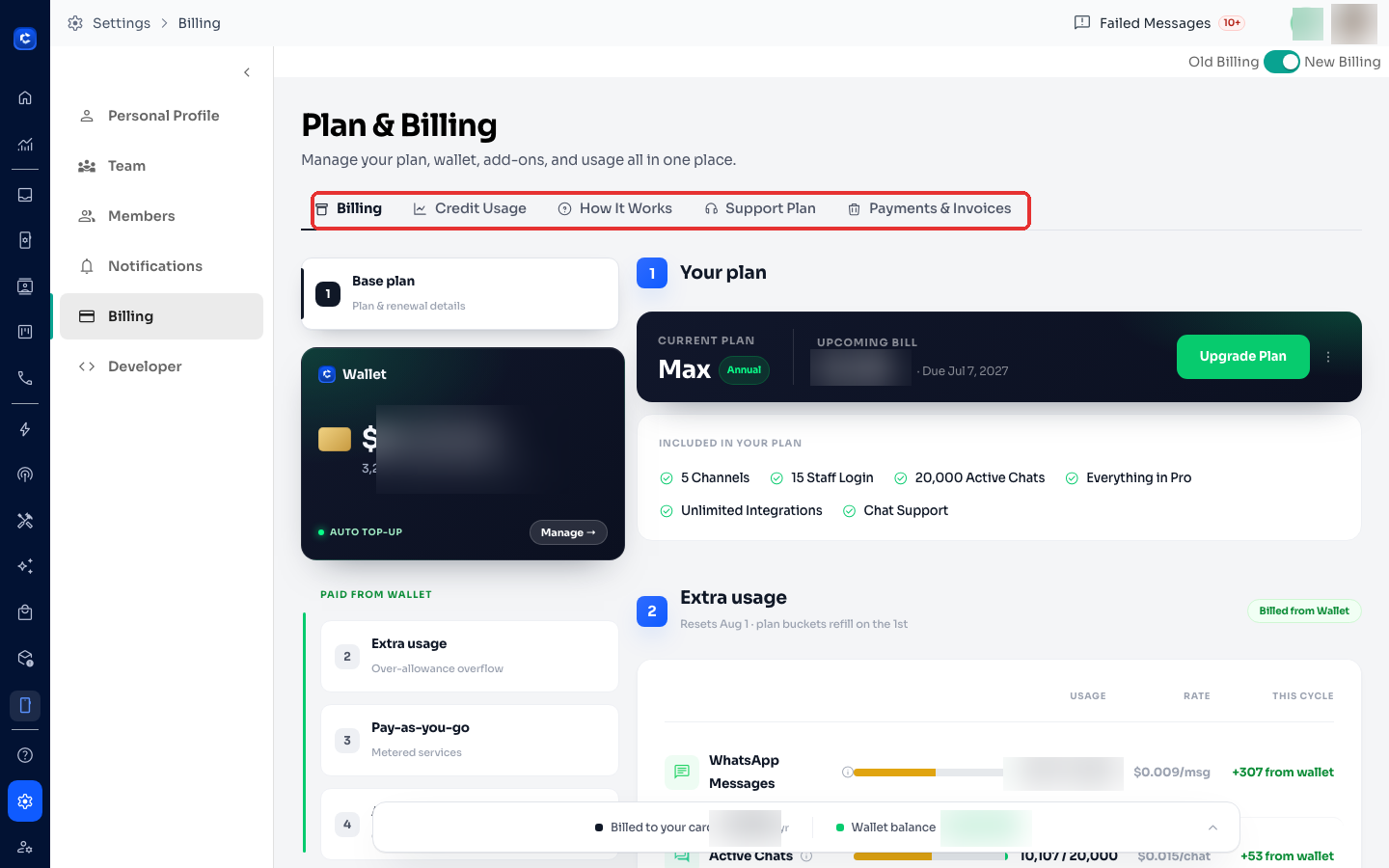
- Go to Settings → Billing.
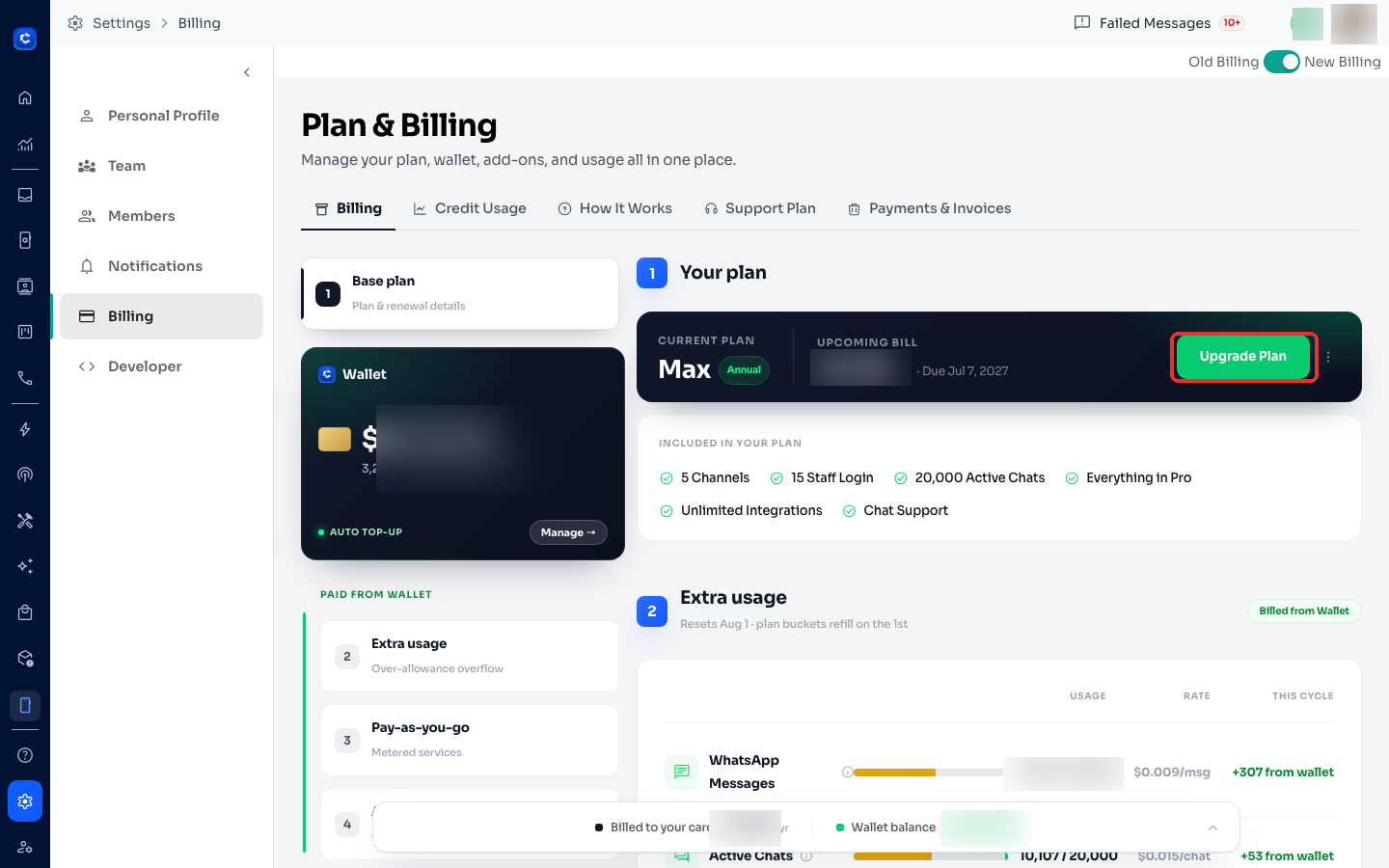
- Click "Change Plan".
- Select your target plan.
- Review pricing — upgrades are prorated (you pay only for remaining days).
- Confirm payment — existing card charged immediately.
- New plan activates instantly.
Plan Comparison
Notes
- Downgrading takes effect at next billing cycle.
- Enterprise requires contacting sales — no self-serve upgrade.
Where to click
Was this article helpful?