
How to Bookmark ChatDaddy in Chrome
📘 Help Guide: How to Bookmark Links in Chrome
Updated Feb 3, 2026
📘 Help Guide: How to Bookmark Links in Chrome
✅ Step-by-Step Instructions:
- Open Google Chrome and go to the website you want to bookmark.
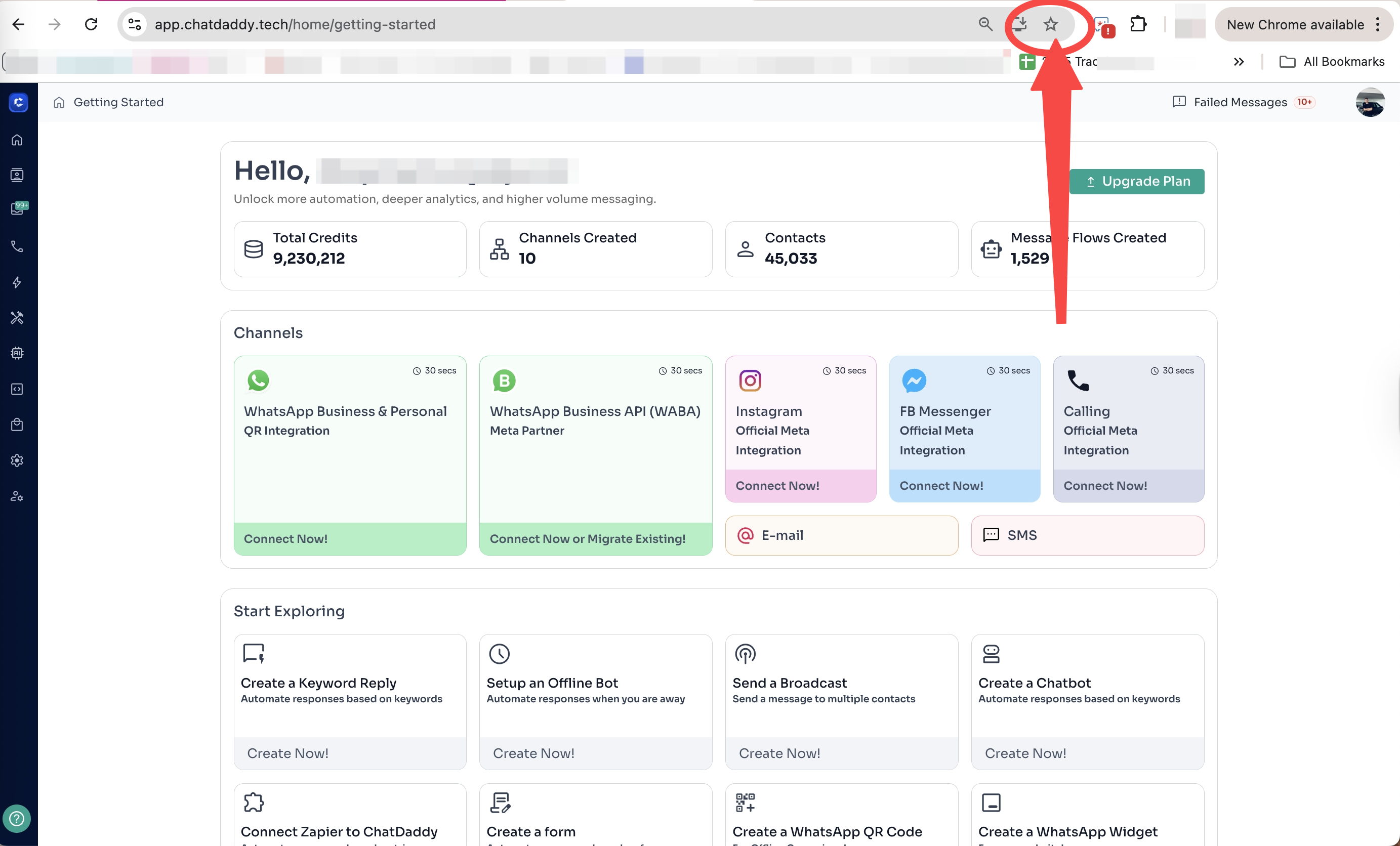
- In the address bar, click the ⭐ star icon on the far right.
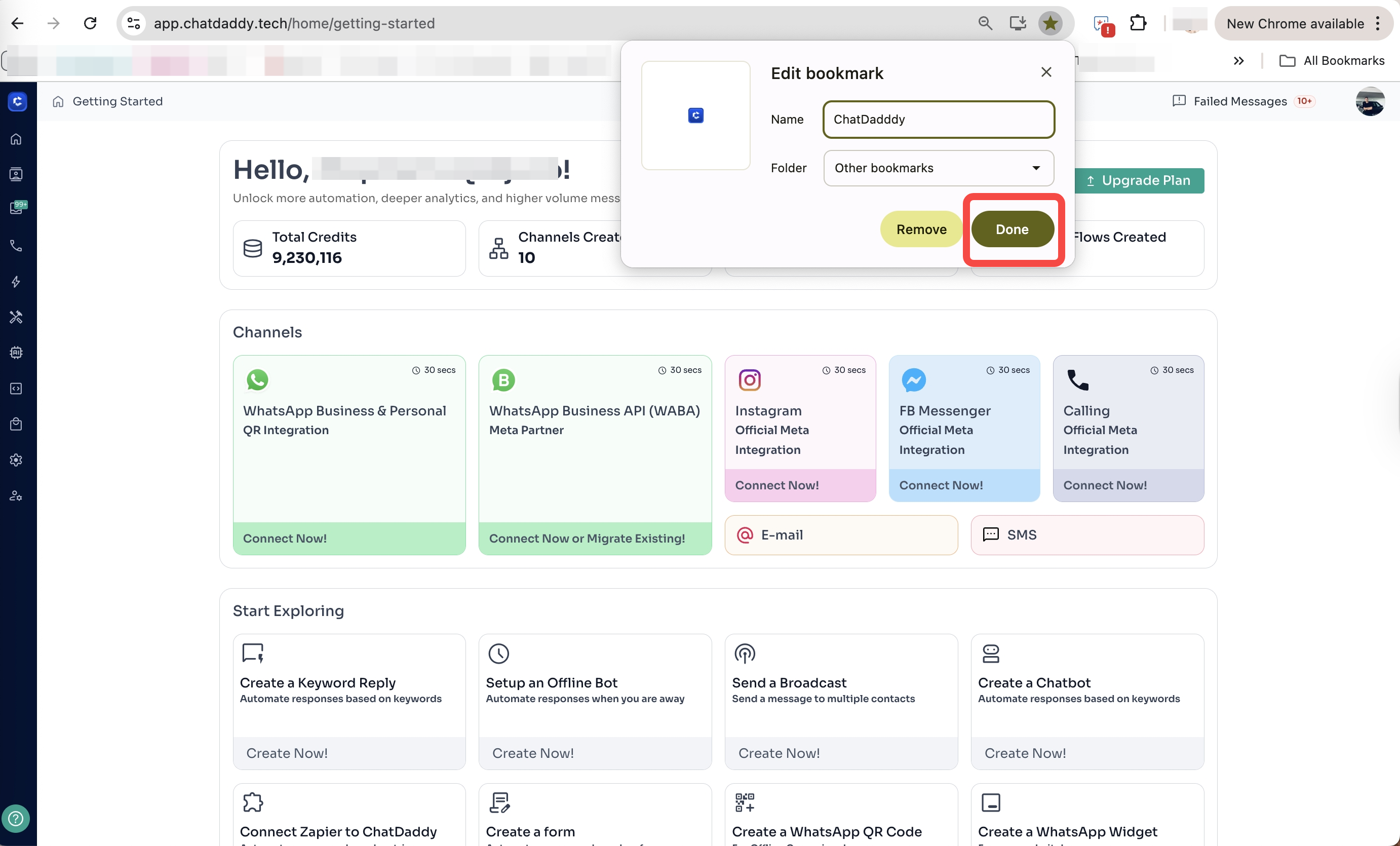
- A small window will appear:
- Name the bookmark (optional).
- Choose a folder to save it in (e.g., Bookmarks Bar or Other Bookmarks).
- Click Done.
💡 Quick Tip:
You can also press Ctrl + D (Windows/Linux) or Command + D (Mac) to quickly bookmark a page.
Was this article helpful?