Adding a Phone Number
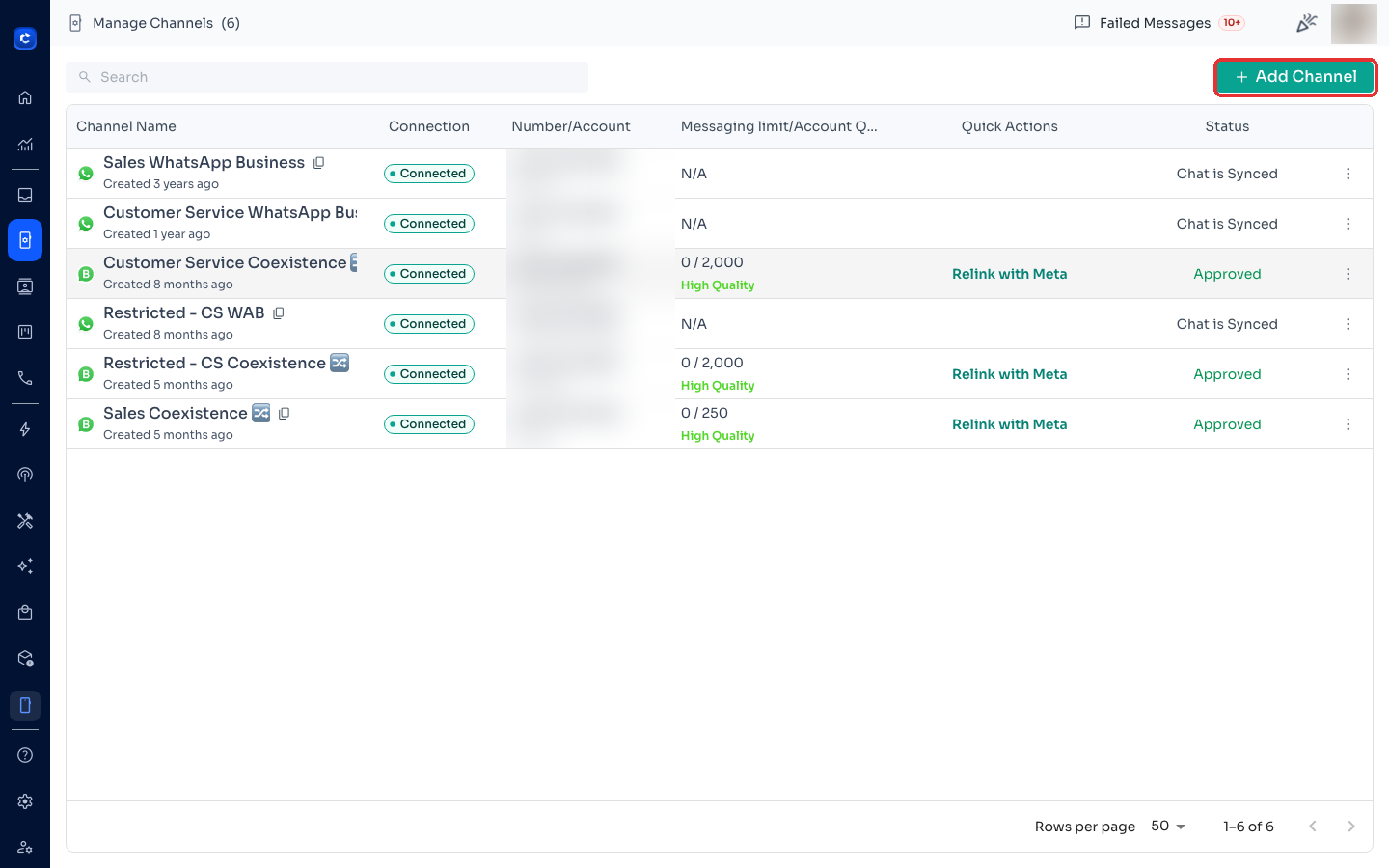
To add a new phone number, follow these steps: 1. Click "Add your phone number": - Navigate to the Phone Numbers page and click on the button labeled "Add your phone number". 1. Enter Details in the
To add a new phone number, follow these steps:
- Click "Add your phone number":
- Navigate to the Phone Numbers page and click on the button labeled "Add your phone number".
- Enter Details in the Dialog Box: A dialog box will appear prompting you to enter your phone number and name.
Fill in the fields with the relevant information.
Click on "Get Code" to generate a verification code.
- Verify Your Phone Number: A code will appear in the dialog box.
When you receive the verification call, enter this code using the number pad on your phone.
Click "Confirm" to complete the verification process.
📌 Note:Verification Process: • Ensure that you have access to the phone number you are adding, as you will receive a verification call where you need to enter the code displayed in the dialog box. • Make sure that international incoming calls are available from your network provider, as the verification call will be an overseas call.
Where to click