
Automating Comments with Triggers (Instagram & Messenger)
Want to automatically reply to comments based on specific words or posts? ChatDaddy's Triggers make it possible!
Intro
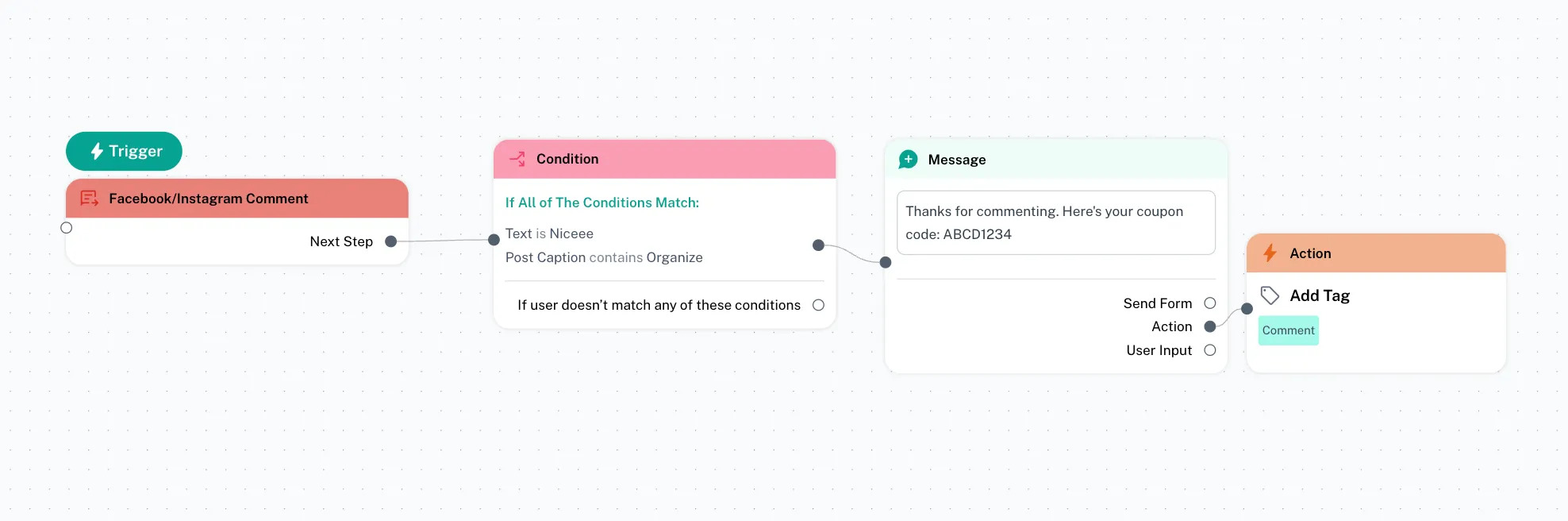
Want to automatically reply to comments based on specific words or posts? ChatDaddy's Triggers make it possible!
This guide shows you how to use Triggers to create advanced automations for responding to comments on your Instagram and Messenger posts.
Let's Set Up a Trigger!
You can start with the template below
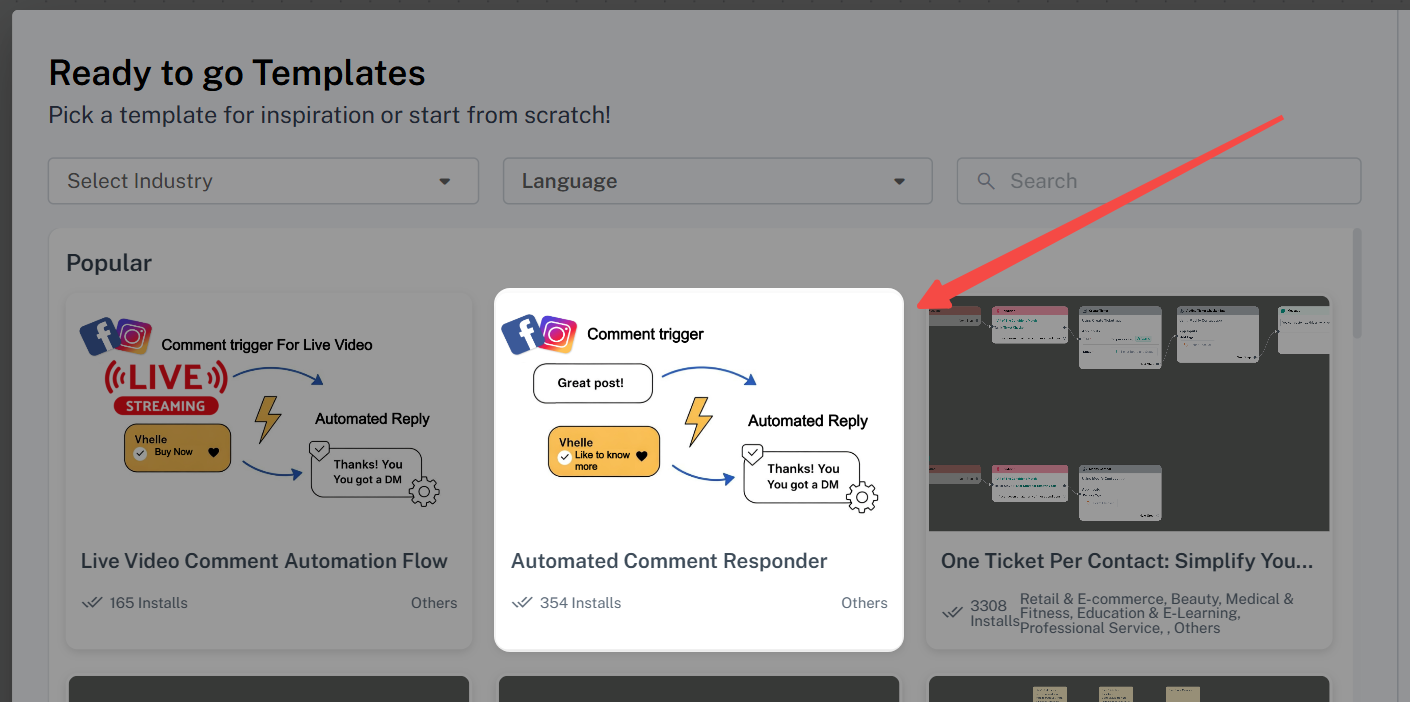
Or follow these steps to create one from scratch
Step 1: Create a New Trigger
- Go to your ChatDaddy automation > Message Flow.
- Click "Trigger" > Create a new Facebook/Instagram Comment trigger.
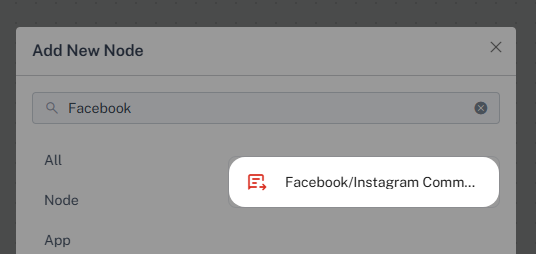
Step 2: Add Conditions
-
Add a "Condition" node to your trigger.
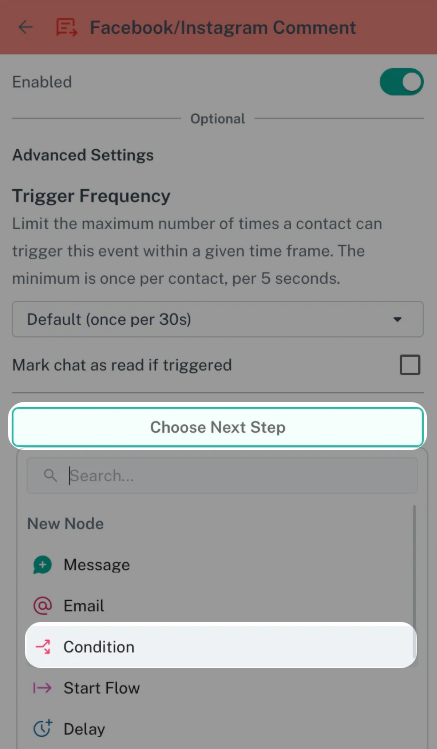
-
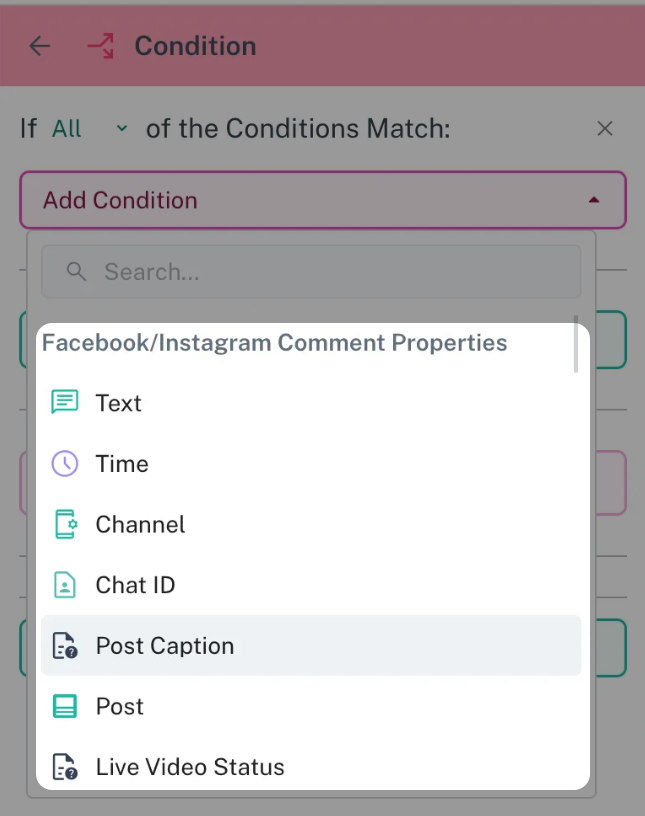
Click "Add Condition" to see all available options. You can set conditions based on:
-
Text: The comment's content
-
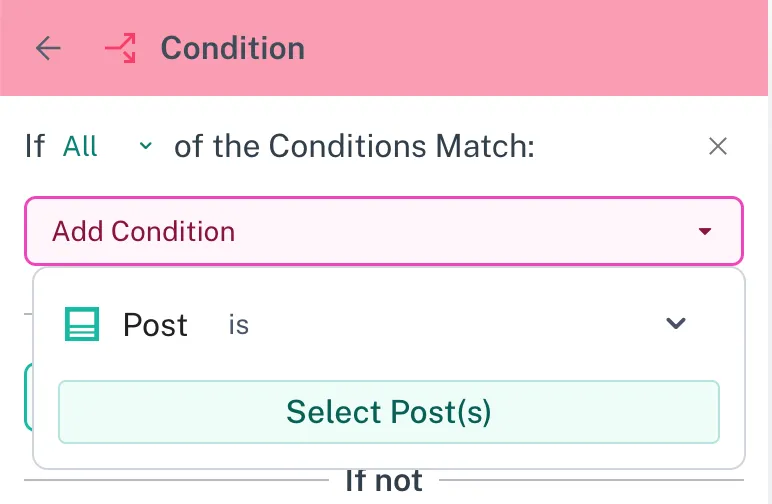
Post: A specific post you select
-
Post's caption
-
And more!
-
Example: Responding to "Nice" Comments on #engagement Posts
-
You want to automatically reply to anyone who comments "Nice" on posts with the hashtag #engagement.
-
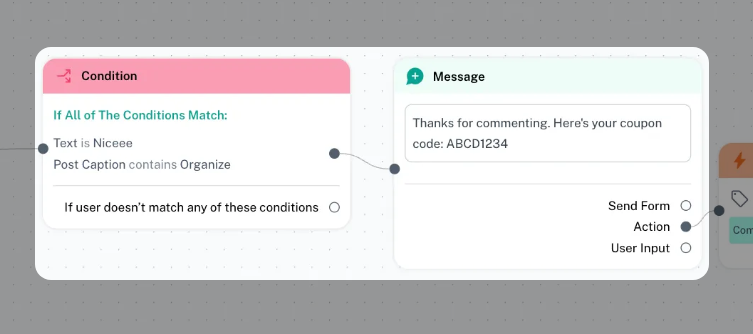
Set a condition for "Text" contain "Nice".
-
Set a condition for "Post Caption" to contain "#engagement".
-
You can also add an action to automatically add a tag (like "Comment") to these users. Step 3: Choose Next Step and Send a Message to the Customer
-
After setting your conditions, decide what message to send.
-
Add a "Send Message" action.
-
Write the message you want to send as a private reply (DM) to the user.
-
You can customize the message based on the condition that triggered the automation.
Optional Step 4: Adding Automation (Examples: Adding a Tag)
- Beyond simply sending a message, you can automate other actions.
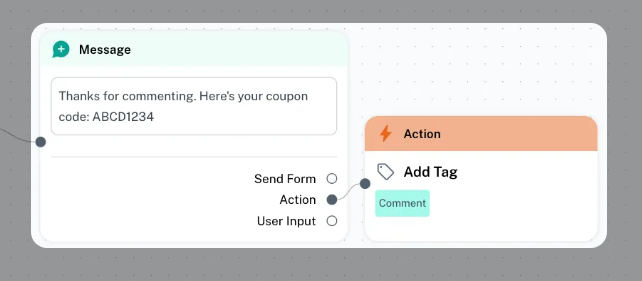
- For example, you can add a tag to users who trigger the automation.
- Add an "Add Tag" action.
- Choose or create a tag (e.g., "Comment").
- This helps you track who commented on your posts and segment your audience.
What Happens Next?
When someone comments and meets your trigger conditions, ChatDaddy will automatically send your reply as a private message (DM).