
Email Channel
Elevate Your Marketing Strategy with ChatDaddy's brand-new email integration. You can now seamlessly integrate your email marketing efforts with your…
Updated Nov 21, 2025

Intro
Elevate Your Marketing Strategy with ChatDaddy's brand-new email integration. You can now seamlessly integrate your email marketing efforts with your overall communication strategy.
Steps
Access Manage Channels
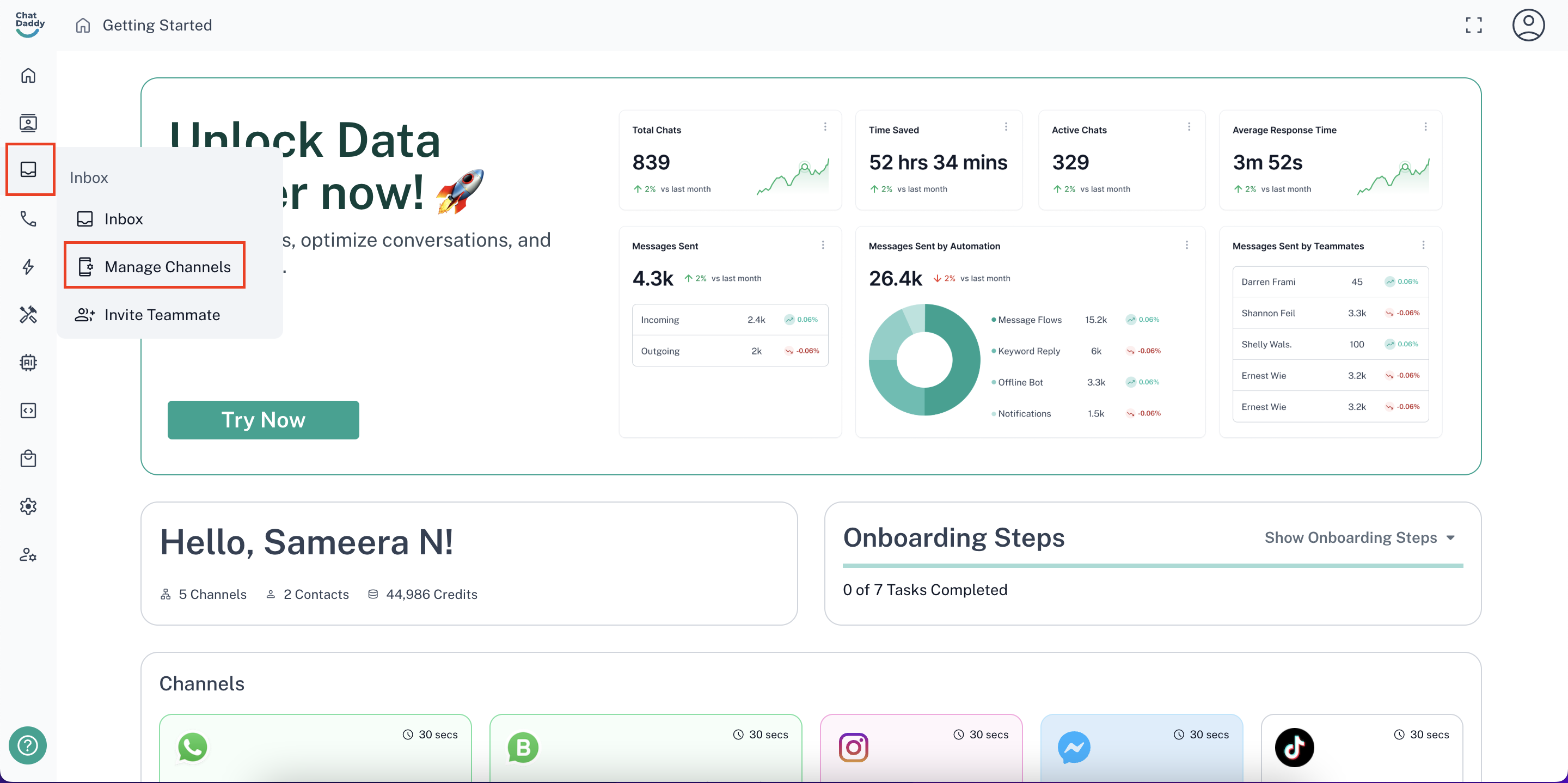
- Click on your user icon in the top right corner of the ChatDaddy dashboard or head over to inbox from the side panel. Then, select “Manage Channels”
Add a New Channel
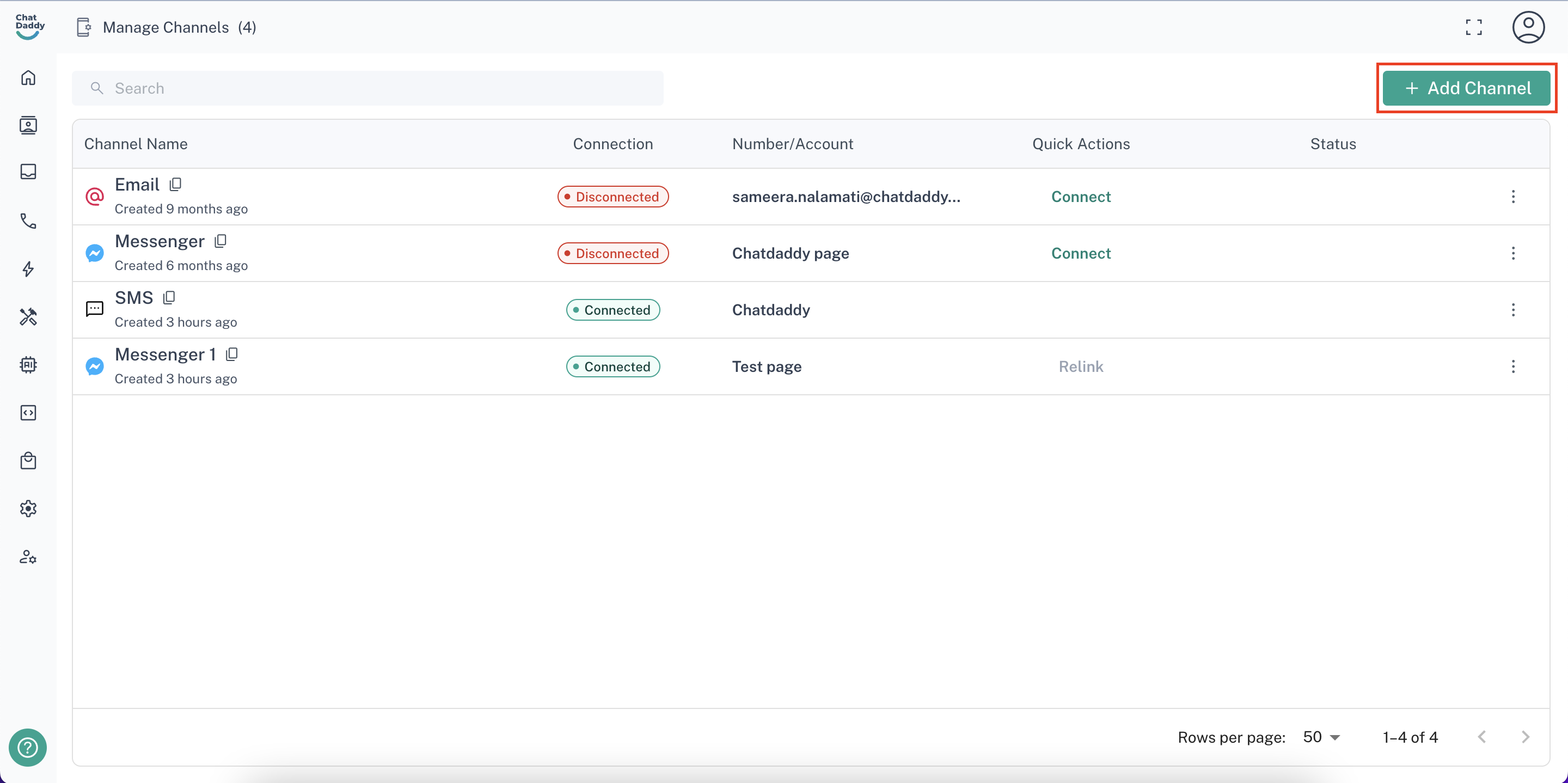
- Click the Add Channel button.
Choose Email Channel
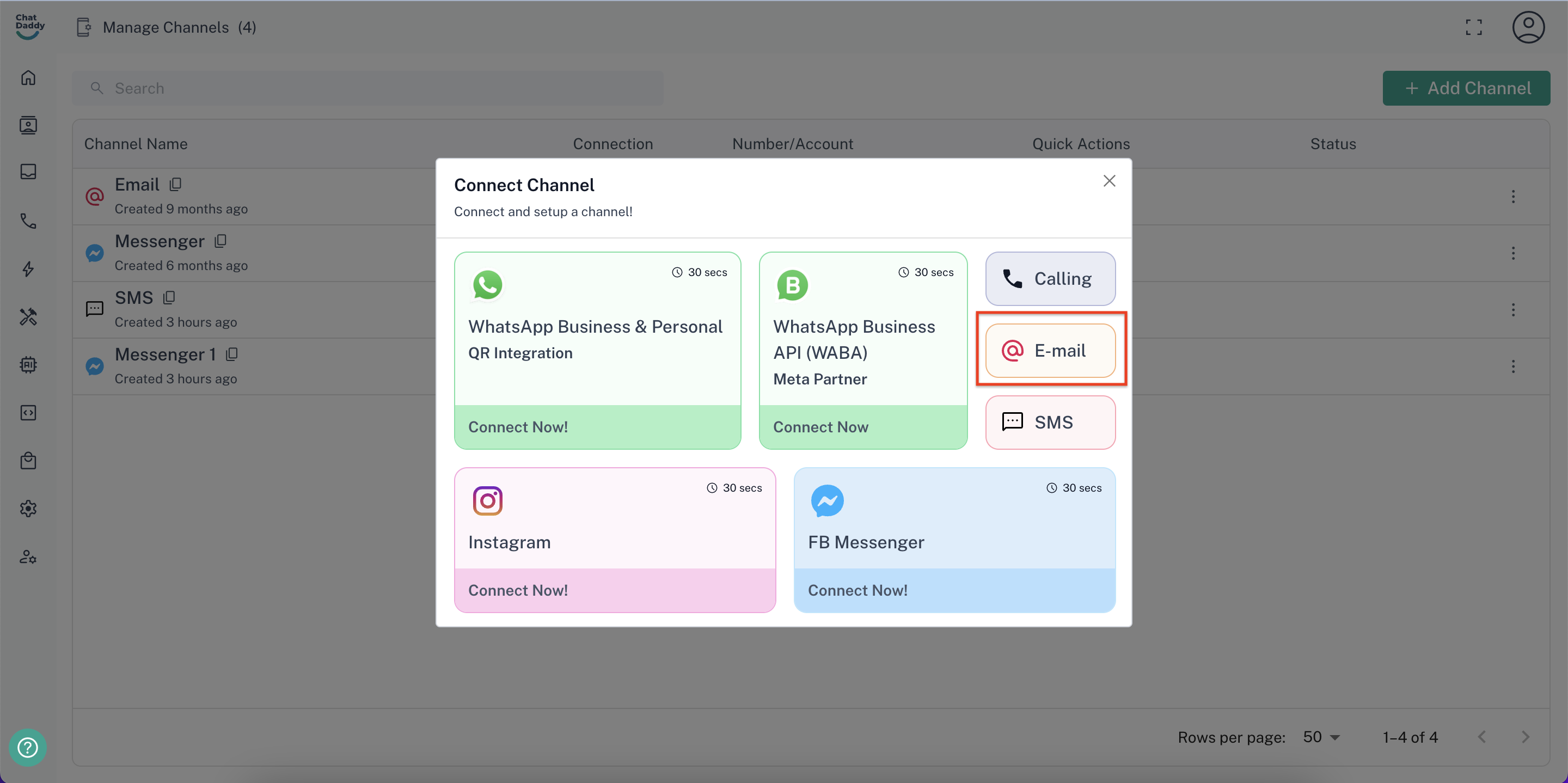
- Select Email from the available channel options.
Configure Email Channel
- Ensure you use a private domain email address associated with your company name.
- For example info@chatdaddy.tech
- Public domain addresses like gmail.com won't work.
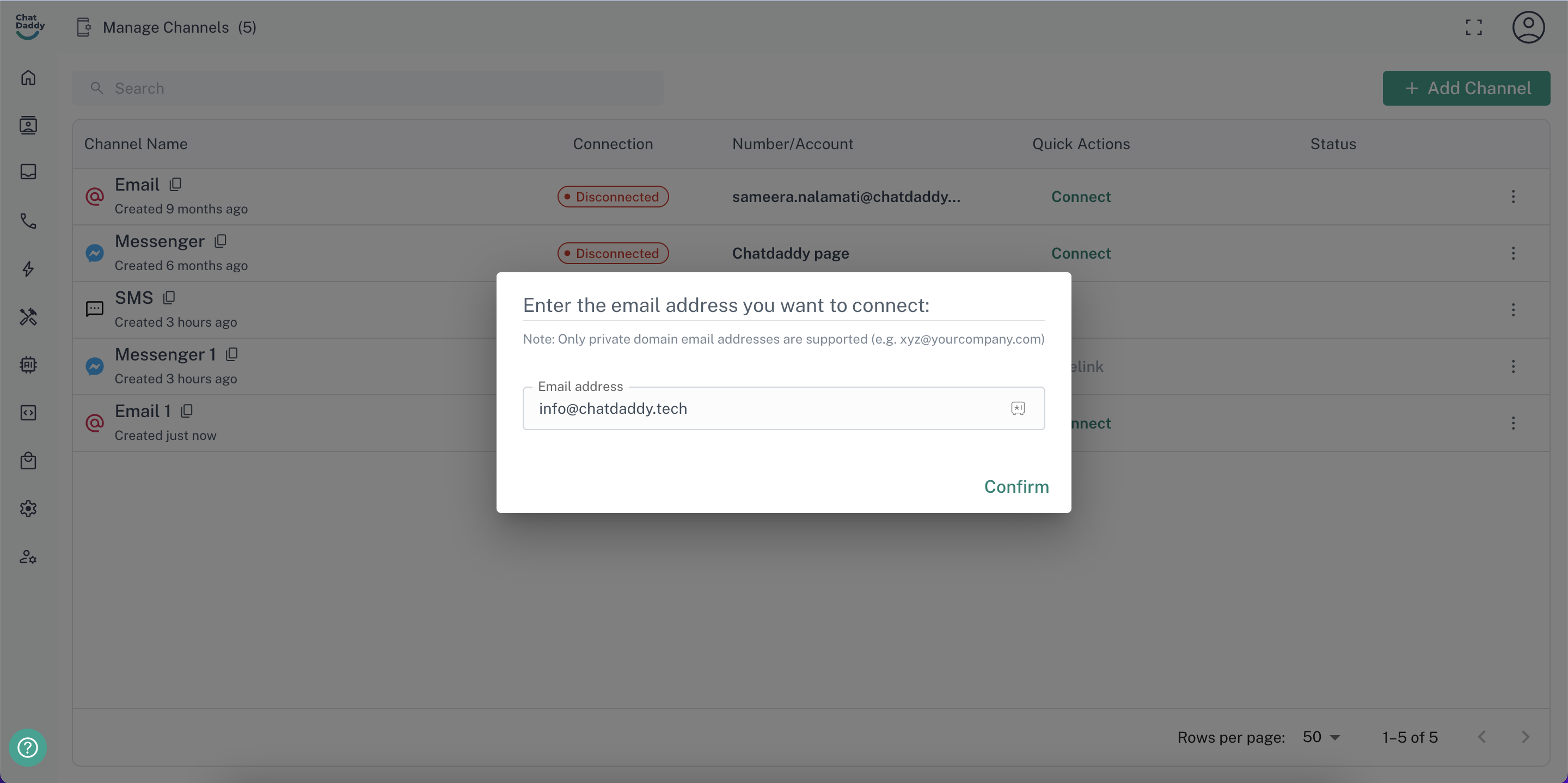
Confirm your email ID and Start Sending Emails
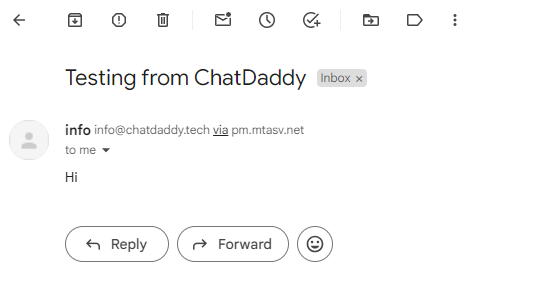
- You will be receiving an email from Postman to confirm your email ID
- Once you've confirmed and configured the email channel, you should be able to send emails through ChatDaddy.
Was this article helpful?