
How to use the Stop Ticket Timer node
The "Stop Ticket Timer" node in message flows allows you to automatically stop the timer on tickets in your CRM board. This can be useful for tracking the time spent on resolving customer issues and e
The "Stop Ticket Timer" node in message flows allows you to automatically stop the timer on tickets in your CRM board. This can be useful for tracking the time spent on resolving customer issues and ensuring accurate time logs
- Accurate Time Tracking: Ensures that only the time spent actively working on a ticket is recorded, providing accurate data for performance and efficiency analysis.
- Automated Workflows: Reduces the need for manual intervention in stopping timers, saving time and reducing the risk of errors.
- Improved Efficiency: Helps in managing resources and tracking time spent on different tasks, leading to improved operational efficiency.
This node will only work if there is a pre-existing ticket with a timer that is currently running
How to use the Stop Ticket Timer node
Step 1: Setup your message flow and navigate to the node where you want to stop a ticket’s timer
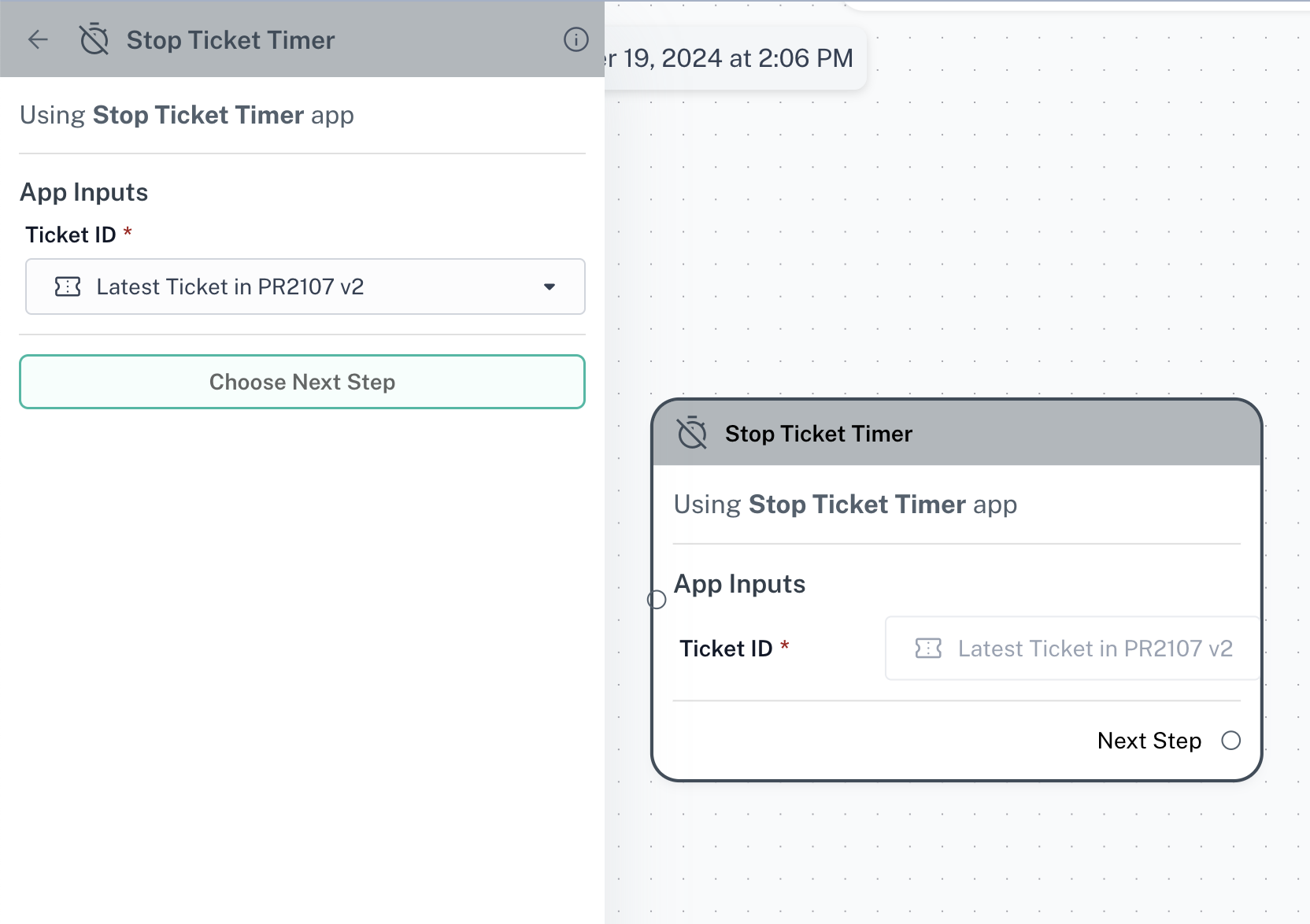
Step 2: Click on “Choose Next Step” and select “Stop Ticket Timer”
Stop Ticket Timer node can be used in after buttons, conditions or triggers
Step 3: Select which ticket you want to update. You can choose the latest ticket in any CRM board, or manually select a particular ticket