
“Message Blocked as Spam” — What It Means and What to Do
🔒 Why You May See “Flow Sending Blocked – Message Flagged as Potential Spam”
Updated Nov 24, 2025
🔒 Why You May See “Flow Sending Blocked – Message Flagged as Potential Spam”
To protect your WhatsApp number from being mistakenly flagged as spam, ChatDaddy has a built-in spam protection system for message flows.
This system helps prevent the same message from being sent too many times within a short period, which could trigger WhatsApp’s spam detection.
🧠 Why This Happens
When you send a message through a message flow:
- If the same message content is sent repeatedly to the same contact within 2 minutes, the system will temporarily stop it.
- This prevents WhatsApp from thinking you are sending spam, helping keep your number safe.
- After 2 minutes, the same message can be sent again normally.
⏰ What to Do When You See This Error
If you see:
“Flow sending blocked, message was flagged as potential spam.”
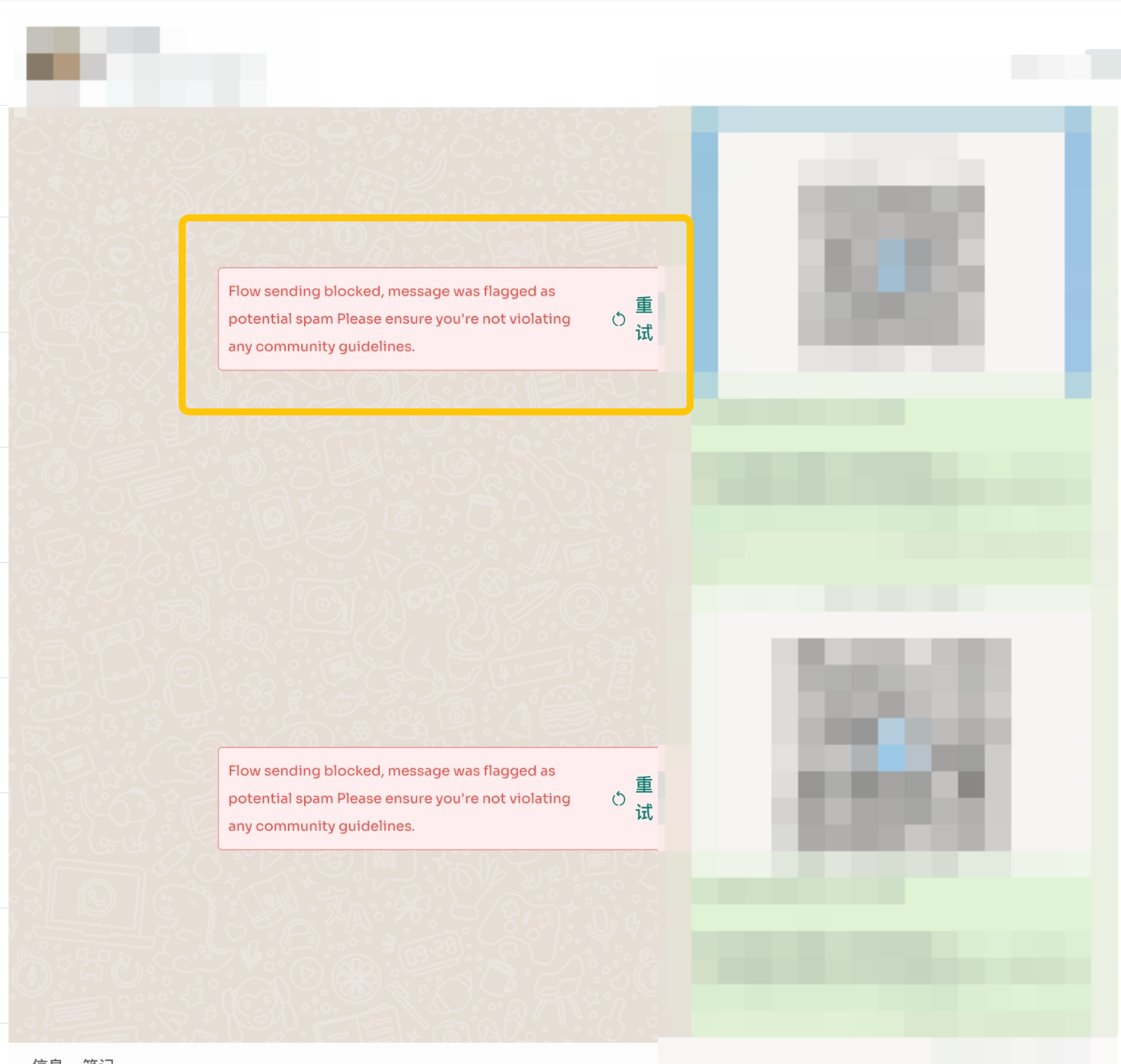
You can try the following:
- Wait 2 minutes, then press the Retry button
- OR edit the message content slightly and try sending again Once the cooldown period passes, the message should send successfully.
📌 Important Notes
- This protection only applies to messages sent through message flows.
- The system only detects duplicate content sent too quickly — it does not block based on links or your sending behavior.
- This automatic protection helps avoid WhatsApp bans caused by rapid repeated sending.
Was this article helpful?