
Broadcast — 0 Contacts Selected After Import
Broadcast — 0 Contacts Selected After Import
Updated Jul 18, 2026
Broadcast — 0 Contacts Selected After Import
Symptom: You imported contacts into a broadcast list, but when you click Send, the recipient count shows 0 contacts.
Steps to Fix
- Hard refresh the page
- Windows/Linux: Ctrl + Shift + R
- Mac: Cmd + Shift + R
- Try Google Chrome (recommended)
- Avoid Safari for broadcast operations — WebSocket behaviour differs.
- Verify contacts imported correctly
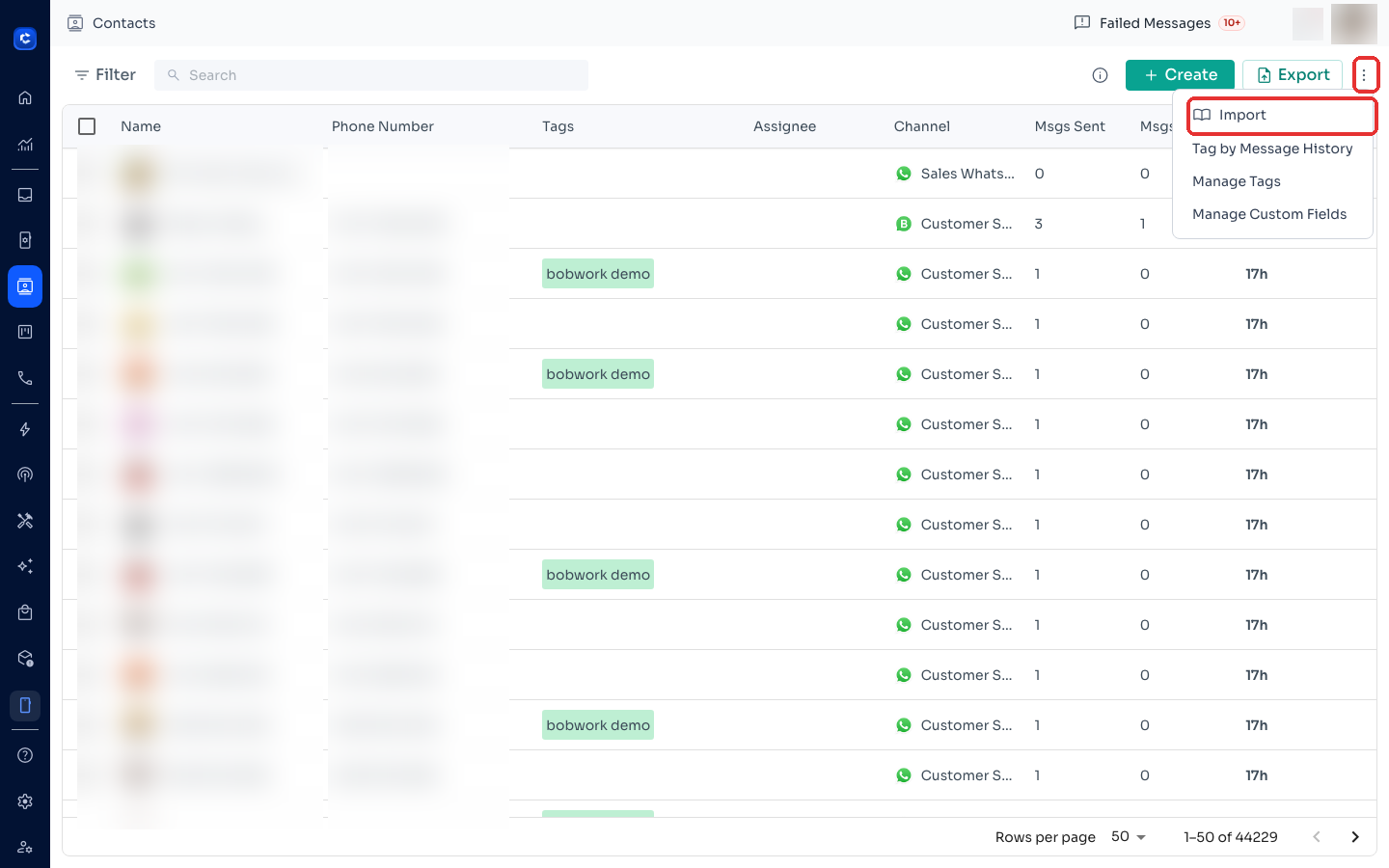
- Go to Contacts in the left menu and search for one of the imported contacts.
- If visible there — import succeeded. This is a display sync issue, not data loss.
- Wait 2–3 minutes and reload
- Large imports (100+ contacts) may have a brief sync delay.
- Re-open the broadcast list
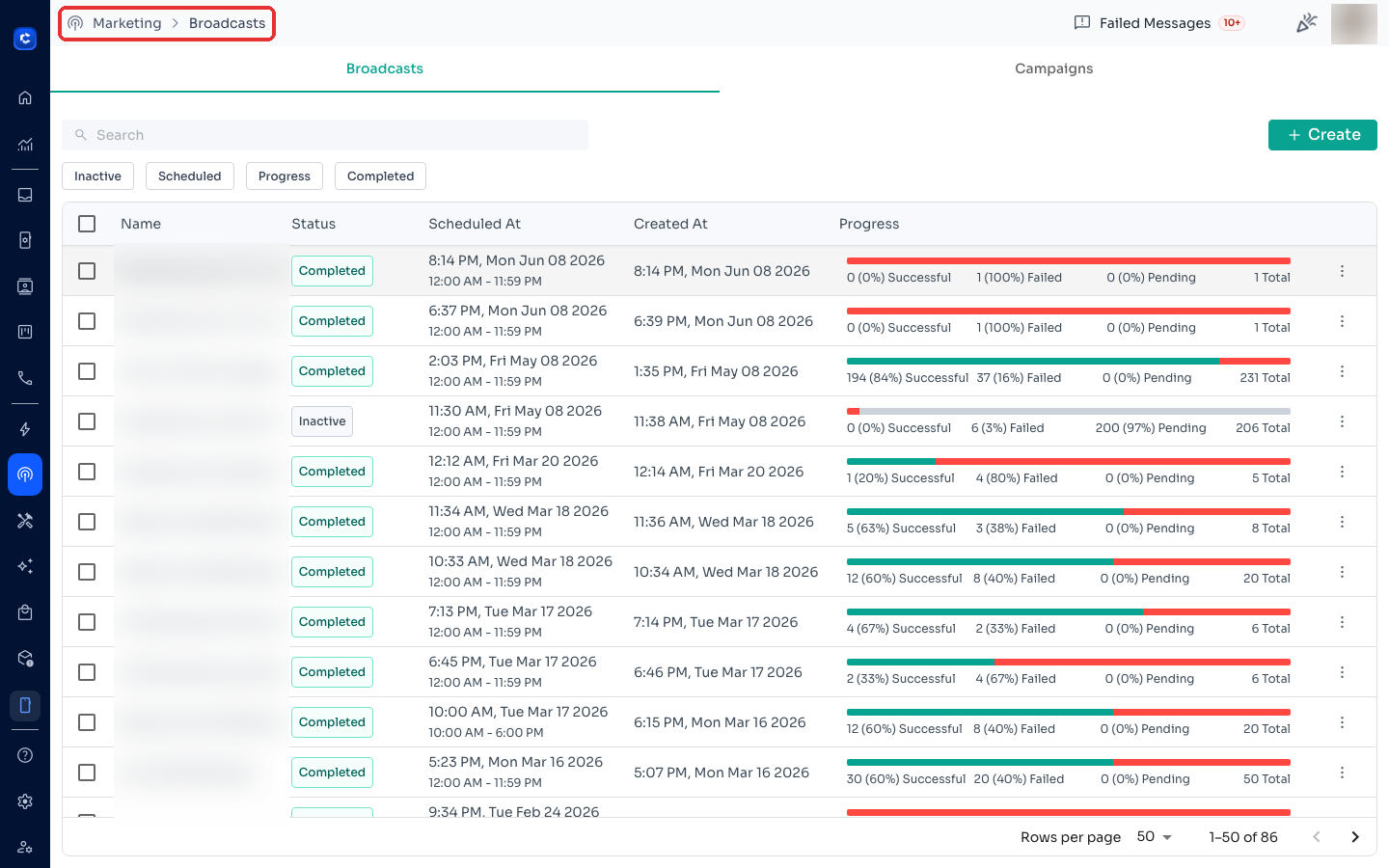
- Close the send dialog → click into the list again → click Send.
If Still Not Fixed — Escalation Info
Collect the following:
- Team ID (Settings > Team Info)
- Broadcast list name and exact contact count
- Browser name and version
- Screenshot of send screen showing 0 contacts
Notes
- Most common after bulk CSV import (100+ contacts) on first-ever import.
- Contacts in Contacts tab but missing in broadcast send screen = always client-side display sync, not data loss.
Where to click
Was this article helpful?