
How to Add a Private Note to a Conversation
Notes let you leave context for your team on a conversation. They're private — the customer never sees them.
Updated Jul 10, 2026
Notes let you leave context for your team on a conversation. They're private — the customer never sees them.
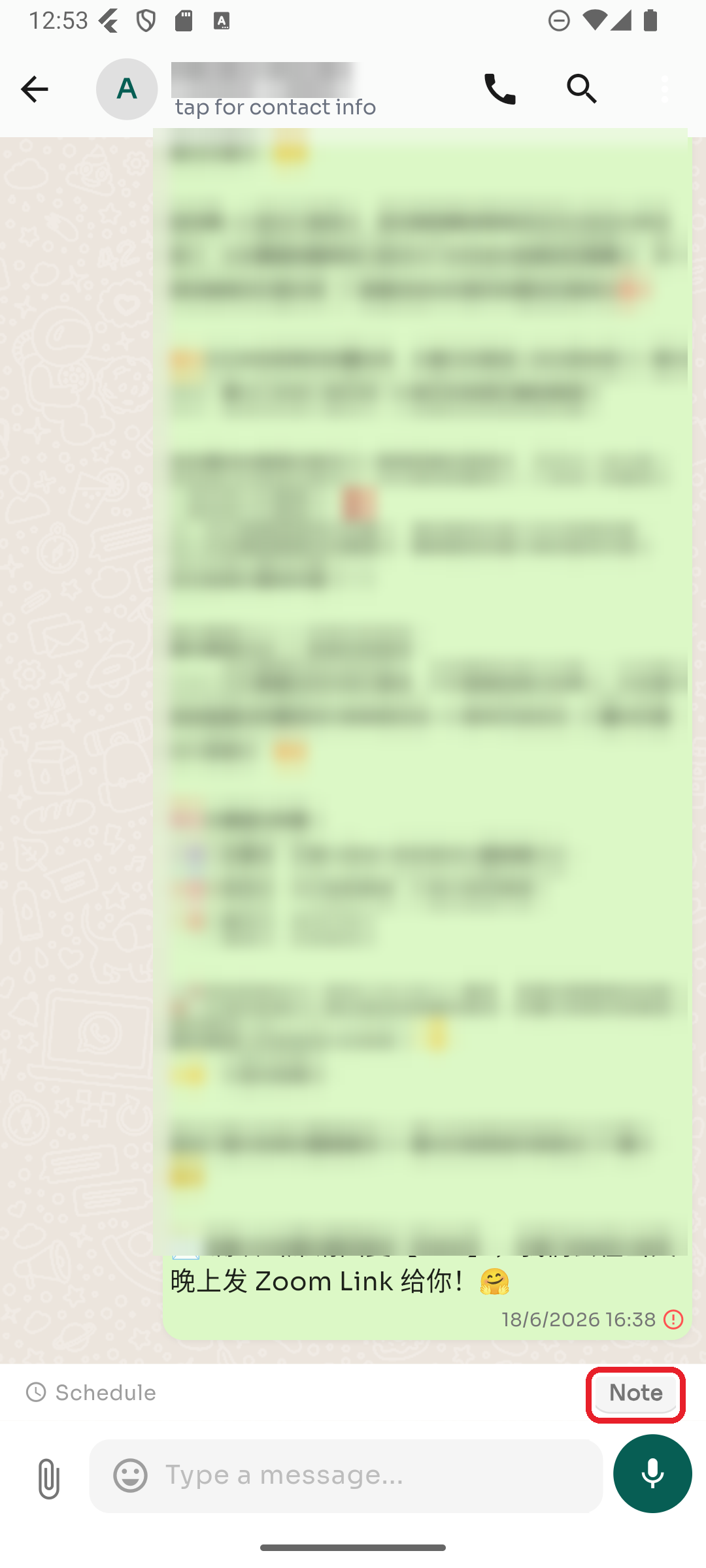
Step 1 — Turn on Note mode
In the conversation, tap the Note button above the message box. The composer switches to note mode.
Step 2 — Write and send
Type your note and send it — it appears in the thread for your team only. Tap Note again to switch back to sending normal messages.
Was this article helpful?