
How to Assign a Chat to a Teammate
Assigning a conversation makes clear who on your team is responsible for it.
Updated Jul 10, 2026
Assigning a conversation makes clear who on your team is responsible for it.
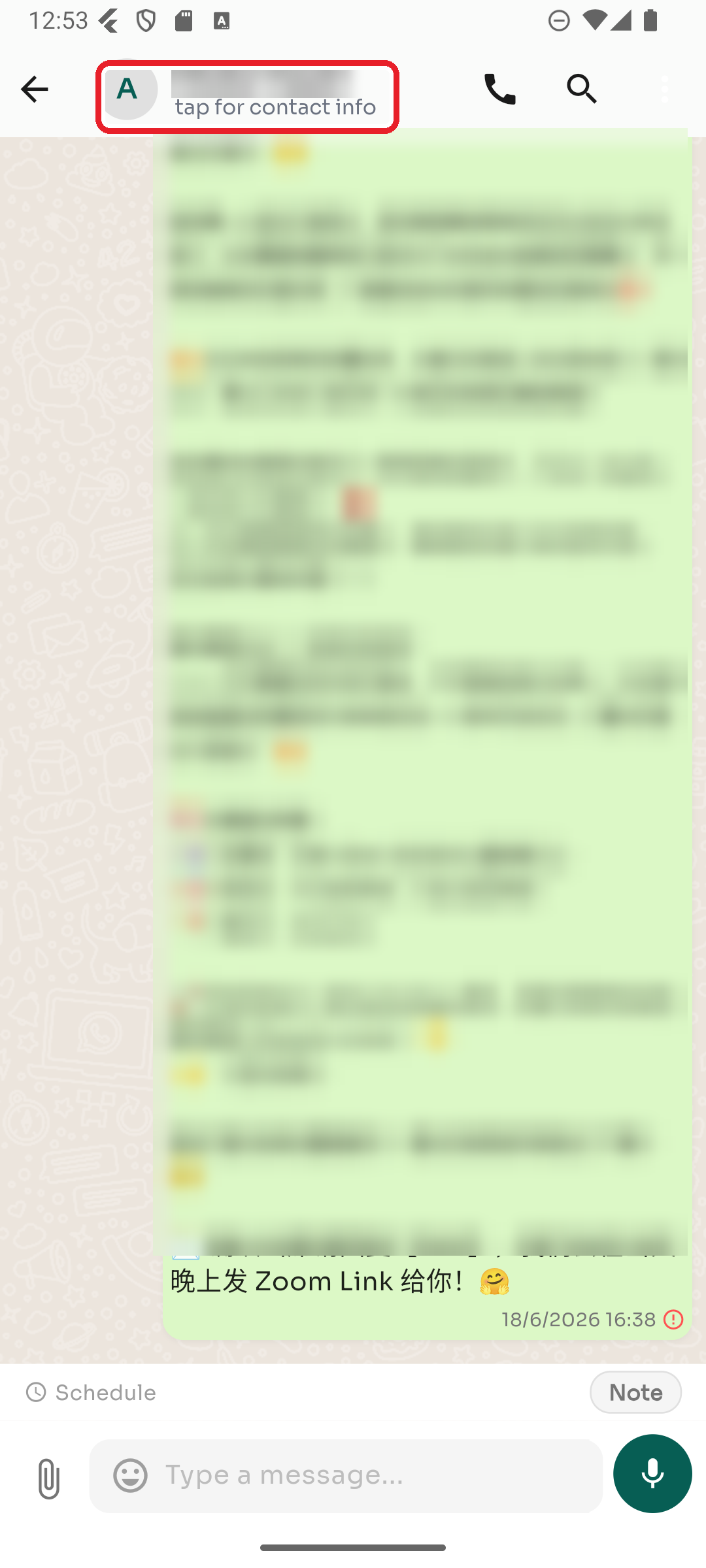
Step 1 — Open Contact Info
In the conversation, tap the contact's name at the top (it says "tap for contact info").
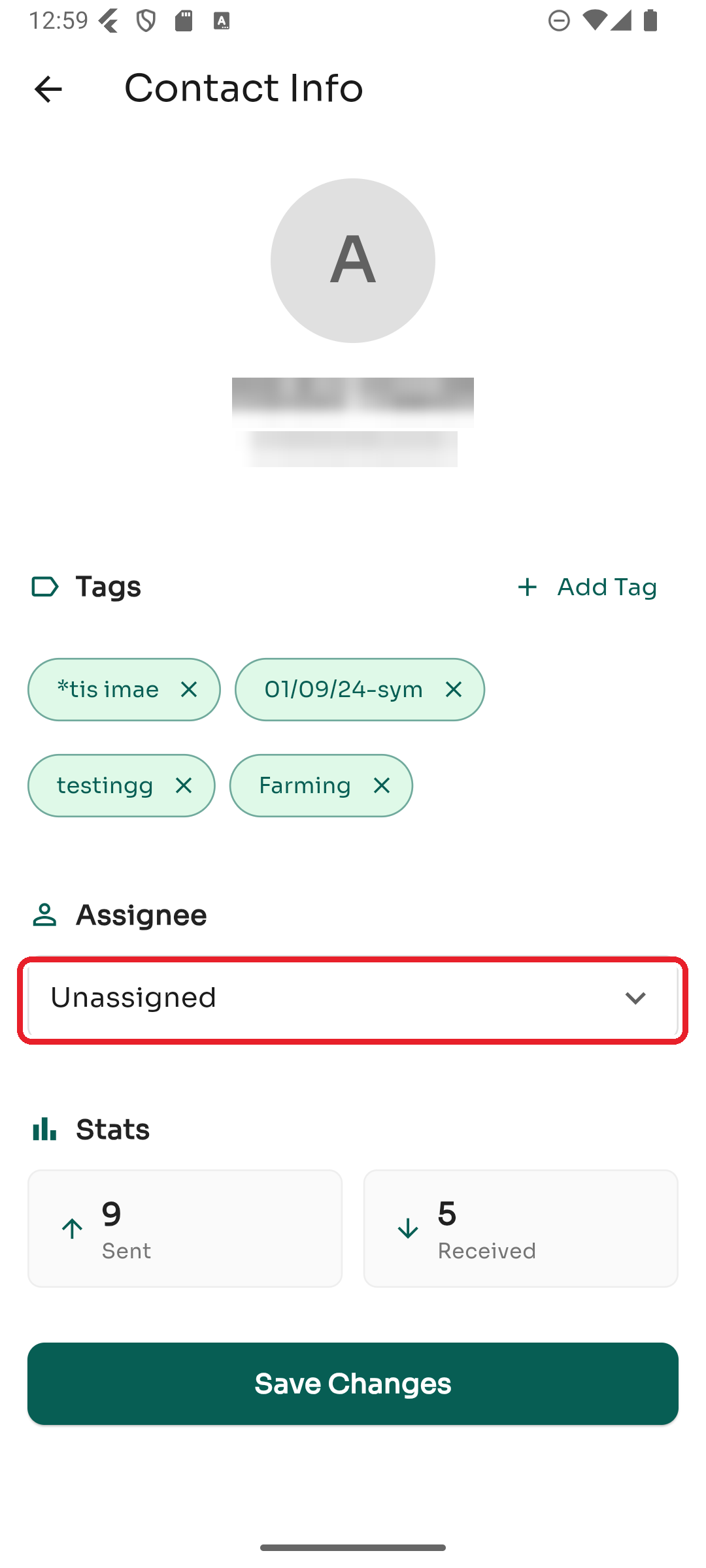
Step 2 — Choose an assignee
Under Assignee, tap the dropdown and pick a team member (or Unassigned to clear it).
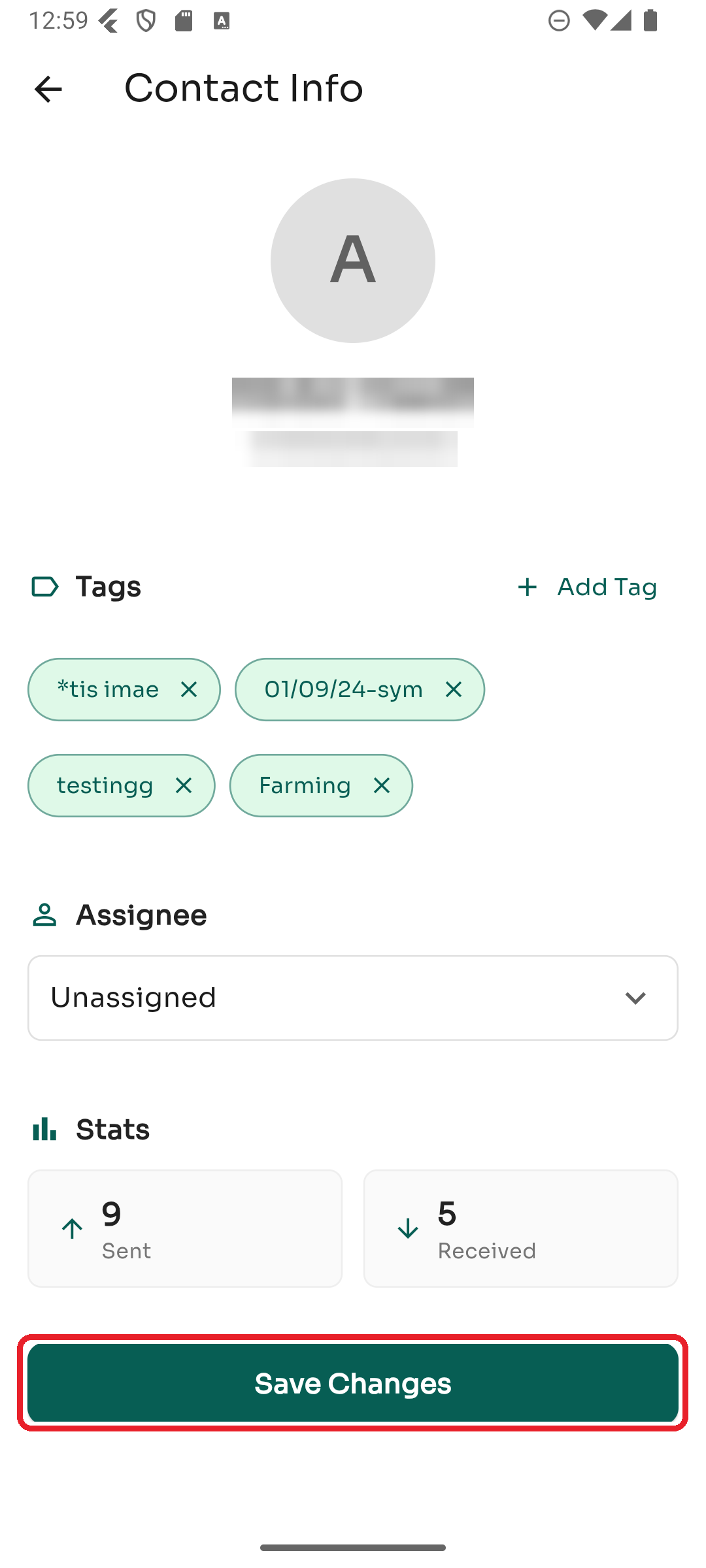
Step 3 — Save
Tap Save Changes to apply. Your teammates can then filter the inbox by assignee to find their chats.
Was this article helpful?