
How to Find a Chat
Three quick ways to find the conversation you're looking for.
Updated Jul 10, 2026
Three quick ways to find the conversation you're looking for.
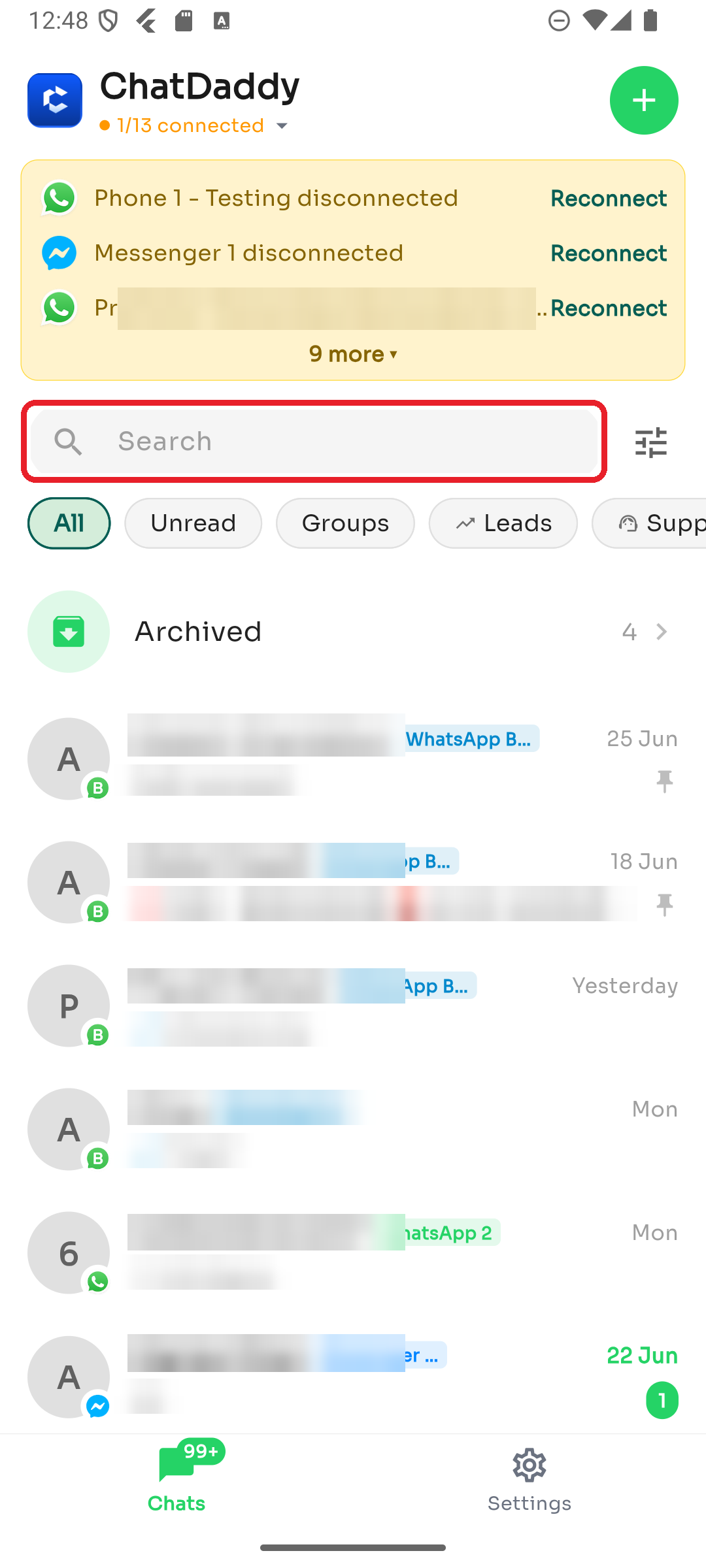
Option 1 — Search
Tap the Search bar at the top of the Chats list and type a name, number, or words from a message.
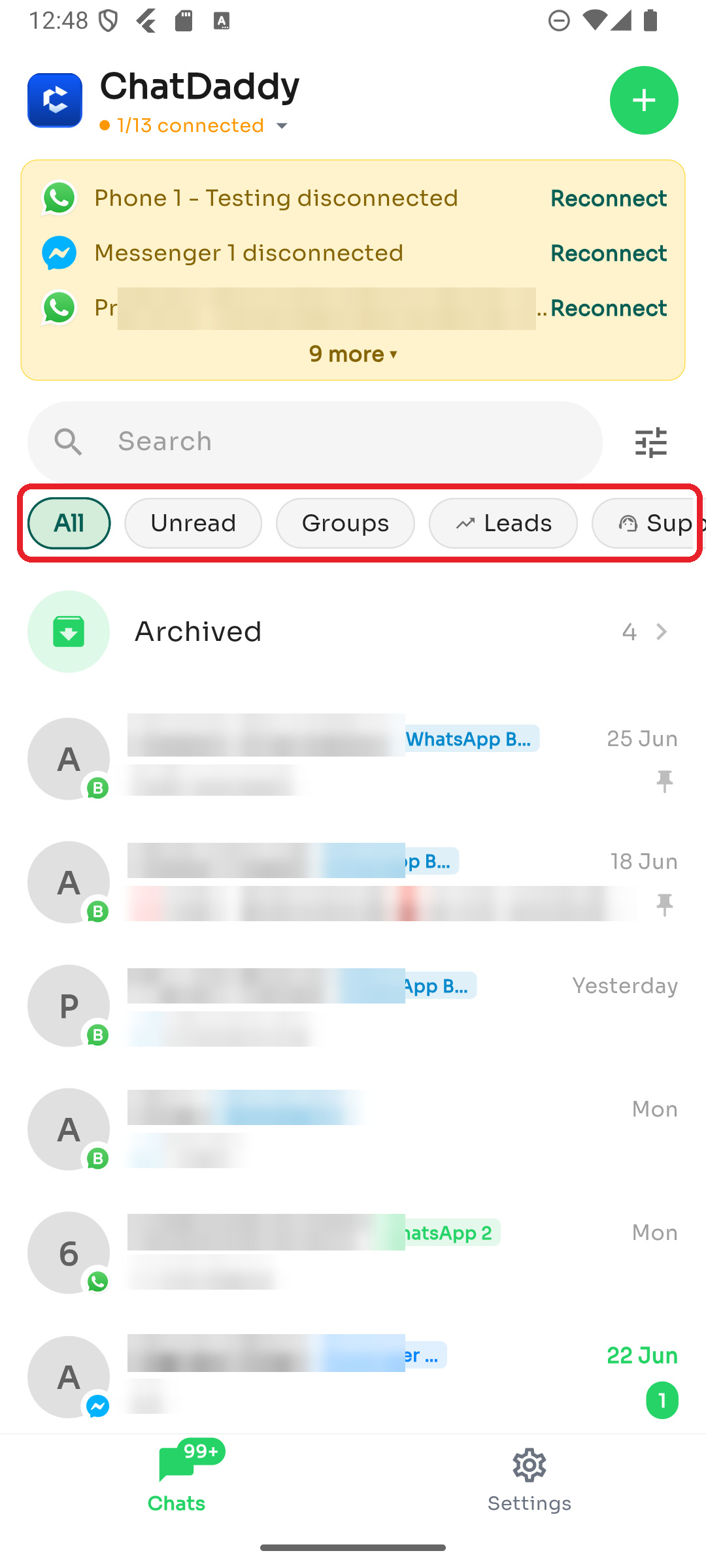
Option 2 — Quick filters
Tap a chip below the search bar — All, Unread, Groups, Leads, Support, and more — to narrow the list instantly.
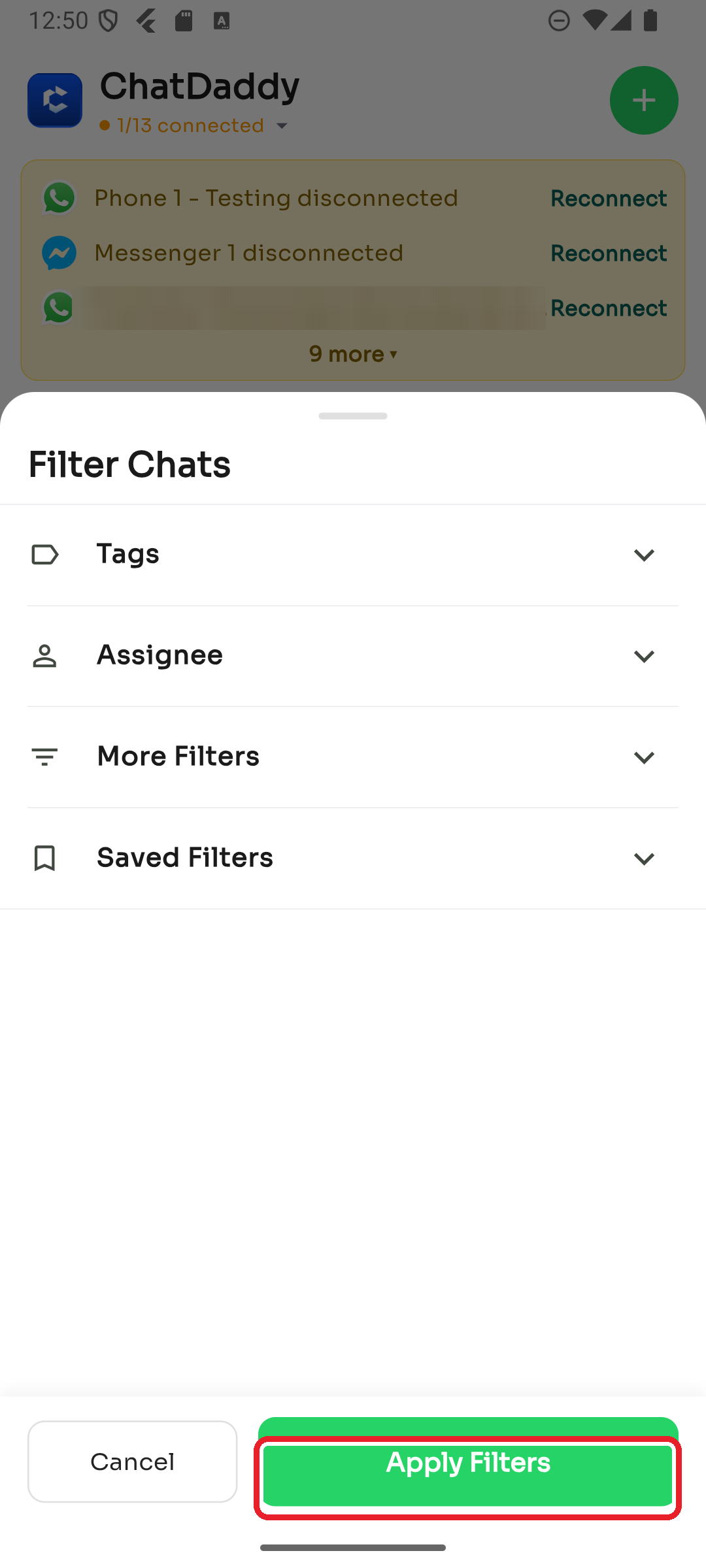
Option 3 — Advanced filters
Tap the filter icon to filter by Tags, Assignee, or other conditions, then tap Apply Filters.
Still can't find a chat? It may be archived, or hidden by a channel filter — see Some of my chats are missing.
Was this article helpful?