
How to Hide Your Read Receipts (Incognito Mode)
Turn on Incognito Mode so contacts can't see when you've read their messages.
Updated Jul 10, 2026
Turn on Incognito Mode so contacts can't see when you've read their messages.
Turn it on
Go to the Settings tab and toggle Incognito Mode on.
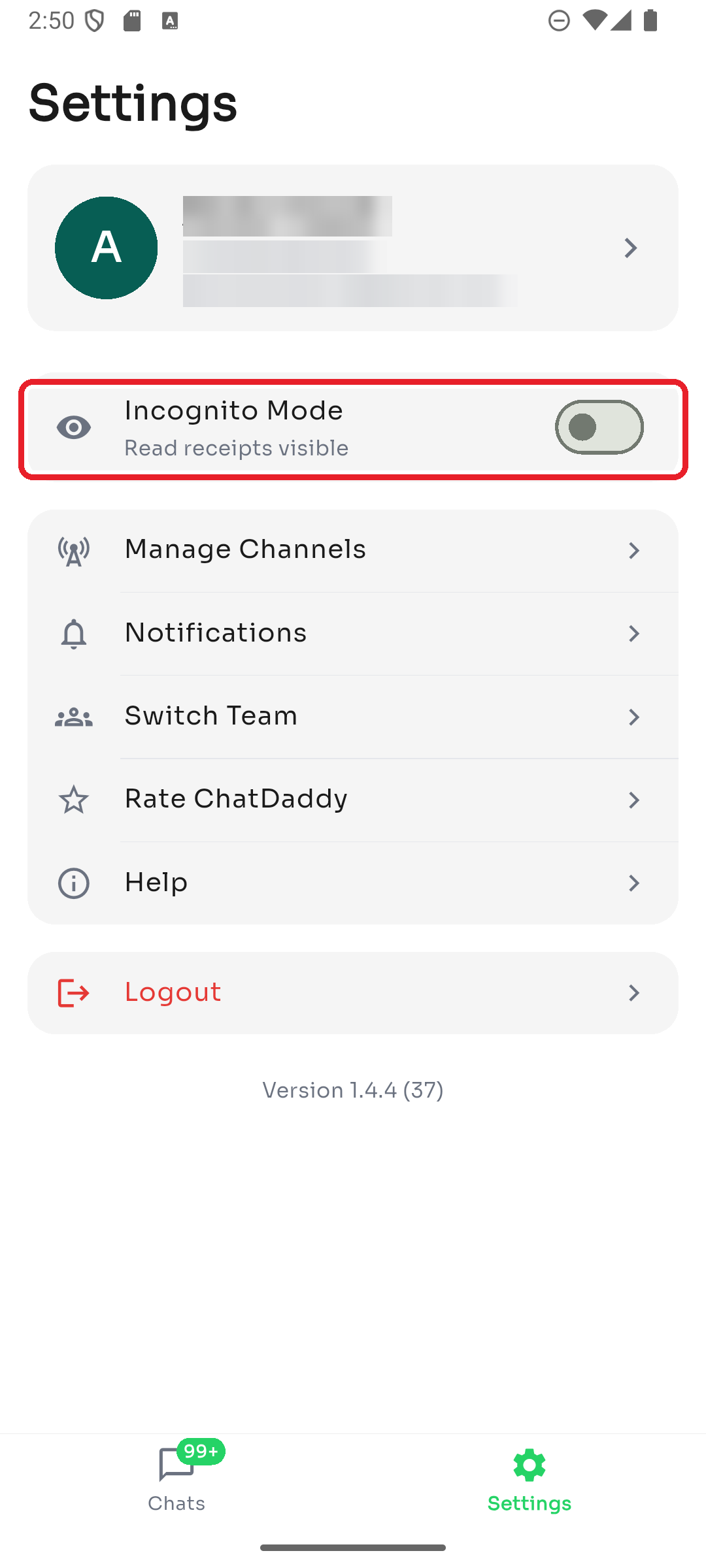
The subtitle tells you the current state:
- Read receipts hidden — Incognito is on; contacts won't see your read status.
- Read receipts visible — Incognito is off (normal behavior). Toggle it off any time to go back to normal.
Was this article helpful?