
How to Schedule a Message
Send a message automatically at a later time — great for reminders and follow-ups.
Updated Jul 10, 2026
Send a message automatically at a later time — great for reminders and follow-ups.
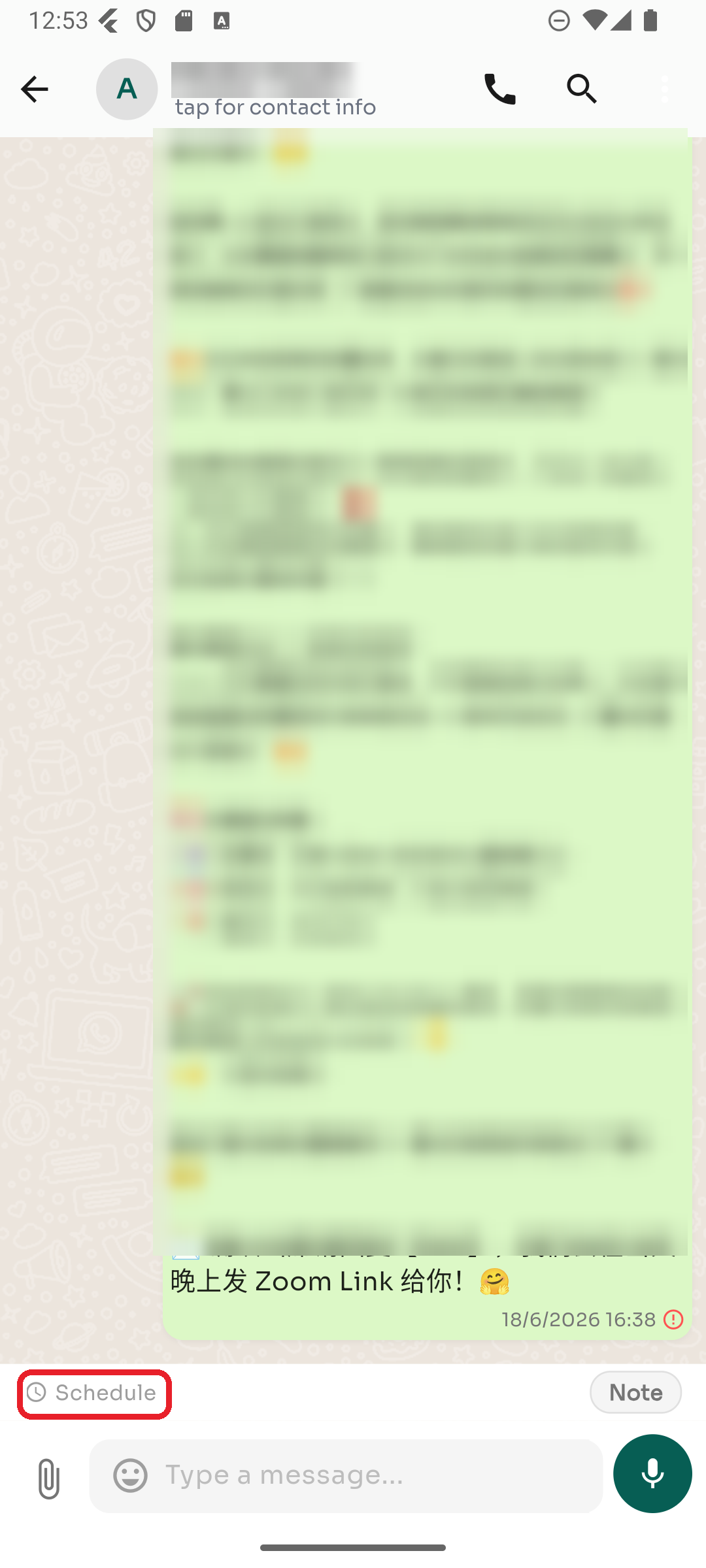
Step 1 — Tap Schedule
Open the conversation and tap Schedule, just above the message box.
Step 2 — Pick a time and write
Choose the date and time, type your message, and confirm. ChatDaddy sends it automatically when the time comes. Scheduled messages show a clock icon until they're sent.
Was this article helpful?