
How to Send a Photo, Video, or File
Share images, videos, documents, your location, or a contact card from any conversation.
Updated Jul 10, 2026
Share images, videos, documents, your location, or a contact card from any conversation.
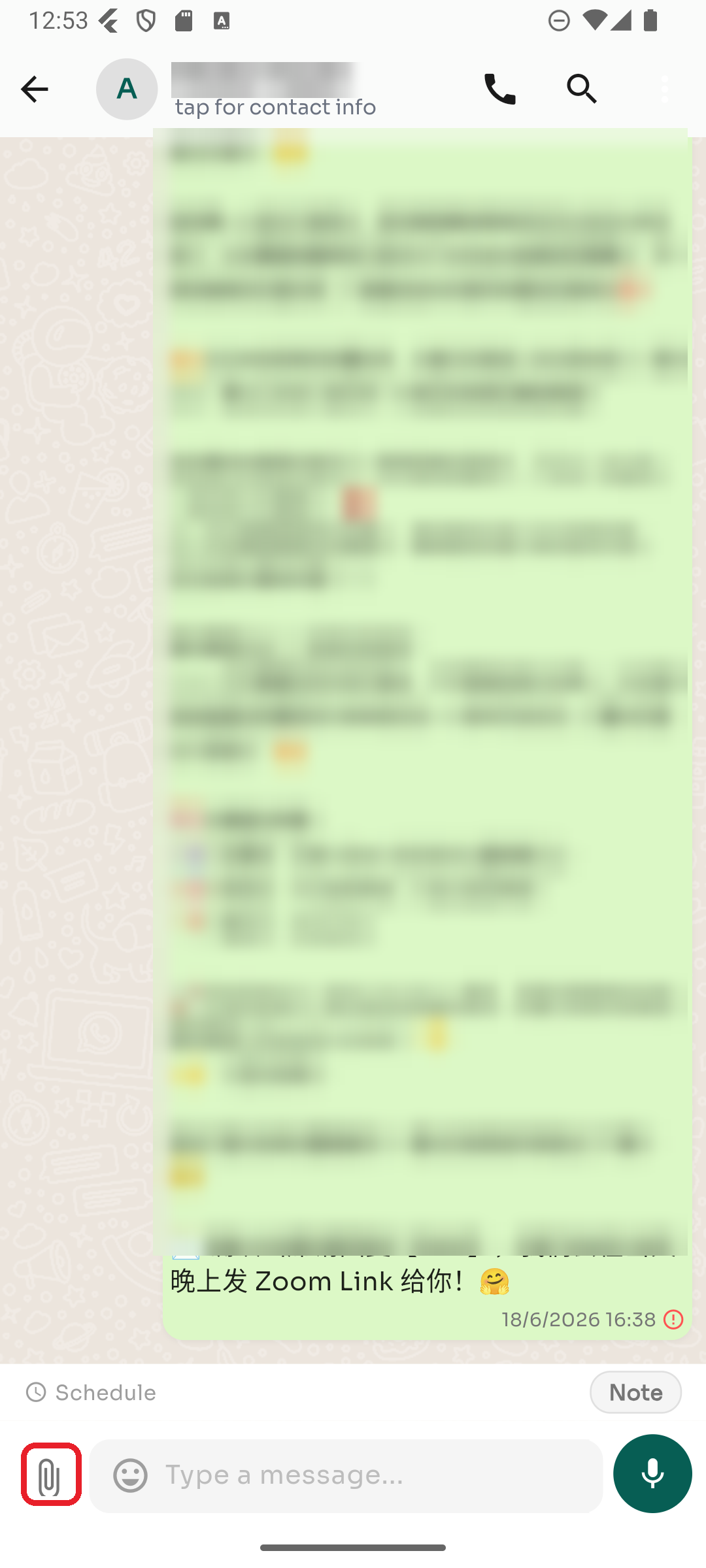
Step 1 — Tap the paperclip
In the conversation, tap the 📎 paperclip icon to the left of the message box.
Step 2 — Choose what to send
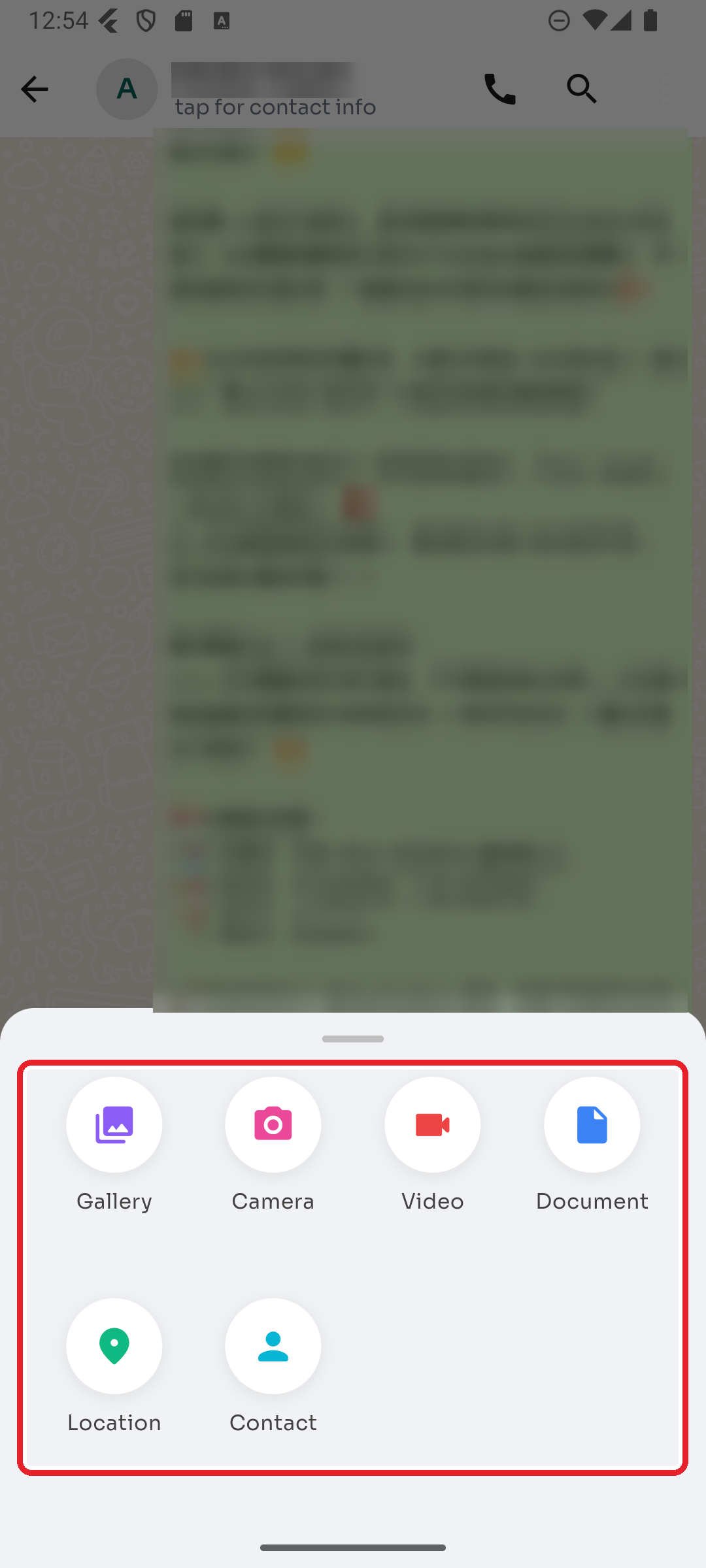
Pick from the attachment menu:
- Gallery — one or more photos from your device
- Camera — take a new photo
- Video — pick a video
- Document — PDF, Word, Excel, PowerPoint, text, CSV, or ZIP
- Location — share your current location
- Contact — send a saved contact as a card
Was this article helpful?