
How to Send a Voice Message
Record and send a voice note without typing.
Updated Jul 10, 2026
Record and send a voice note without typing.
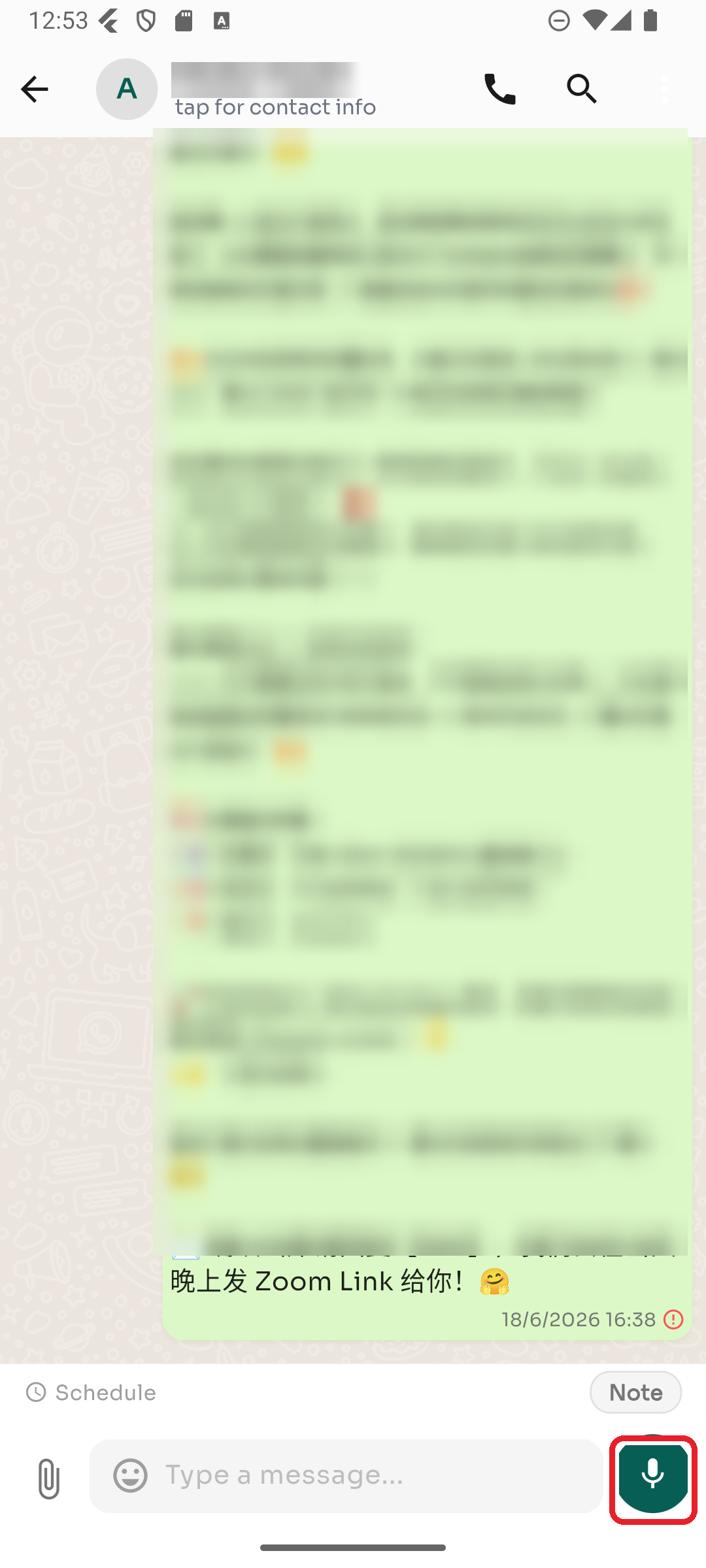
Step 1 — Press and hold the microphone
When the message box is empty, the button on the right is a 🎤 microphone. Press and hold it to start recording.
Step 2 — Release to send
Release to send the recording. To cancel, slide away while still holding.
Was this article helpful?