
How to Sign In or Sign Up with Google (Mobile App)
Sign into the ChatDaddy mobile app in one tap with your Google account — no phone or password needed. New accounts are created automatically on first sign-in.
Also searched as: Google sign in, sign up Google, login Google, mobile login, continue with Google, one tap login, create account, Google account, mobile app sign in, social login
You can get into ChatDaddy in one tap with your Google account — no phone number or password needed. The same button works whether you already have an account or you're brand new (a new account is created automatically on first sign-in).
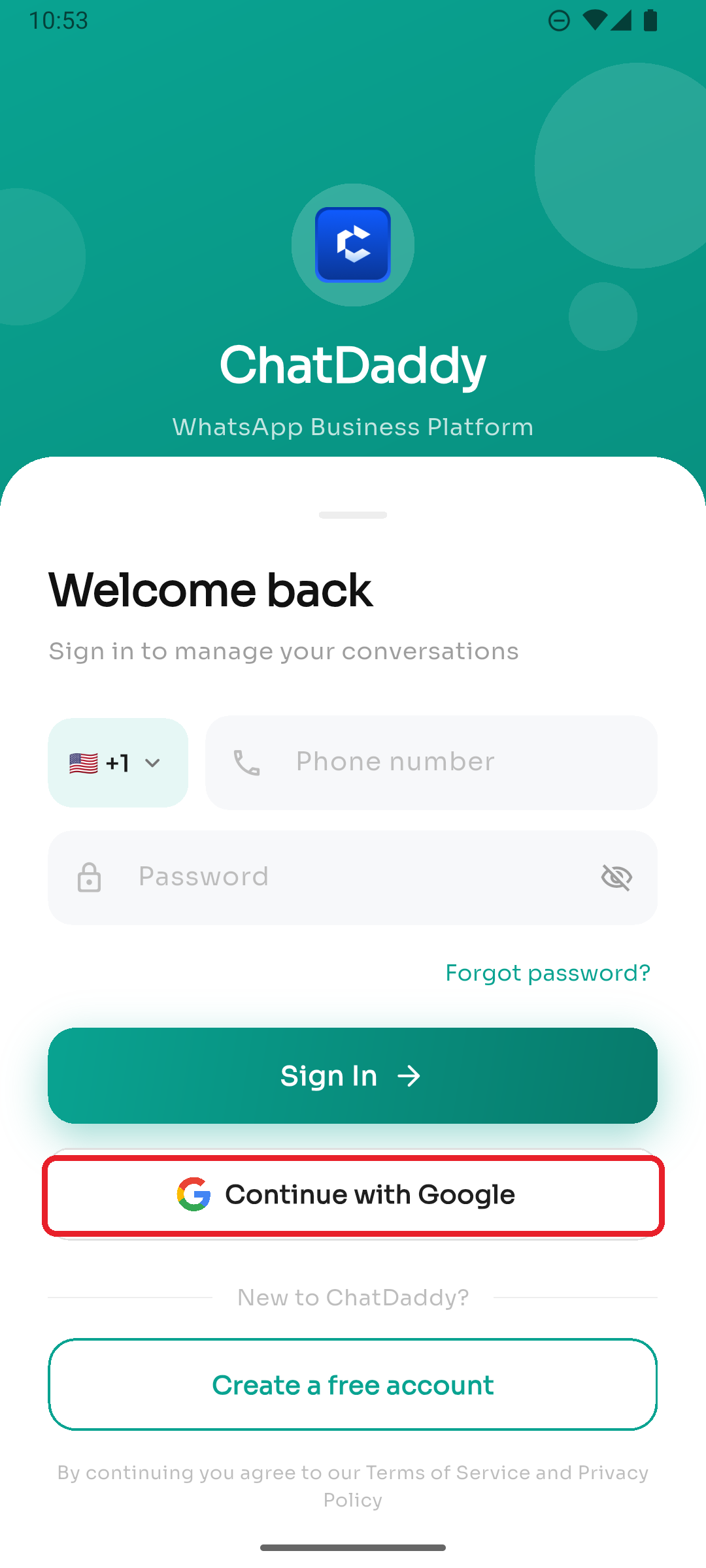
Step 1 — Tap "Continue with Google"
On the login screen, tap Continue with Google (just below the Sign In button).
Step 2 — Pick your Google account
Google's account picker appears. Choose the account you want to use and approve the sign-in. ChatDaddy takes you straight to your inbox.
- Already have a ChatDaddy account tied to that Google email? You're signed right in.
- New to ChatDaddy? An account and workspace are created for you automatically.
Good to know
- If you cancel the Google picker, nothing happens — you'll simply stay on the login screen.
- The account picker always appears, so you can choose which Google account to use (handy if you're signed into more than one).
- Trouble getting in? See I Can't Log In.