
How to Switch Between Teams
If you belong to more than one team, you can move between them in the app.
Updated Jul 10, 2026
If you belong to more than one team, you can move between them in the app.
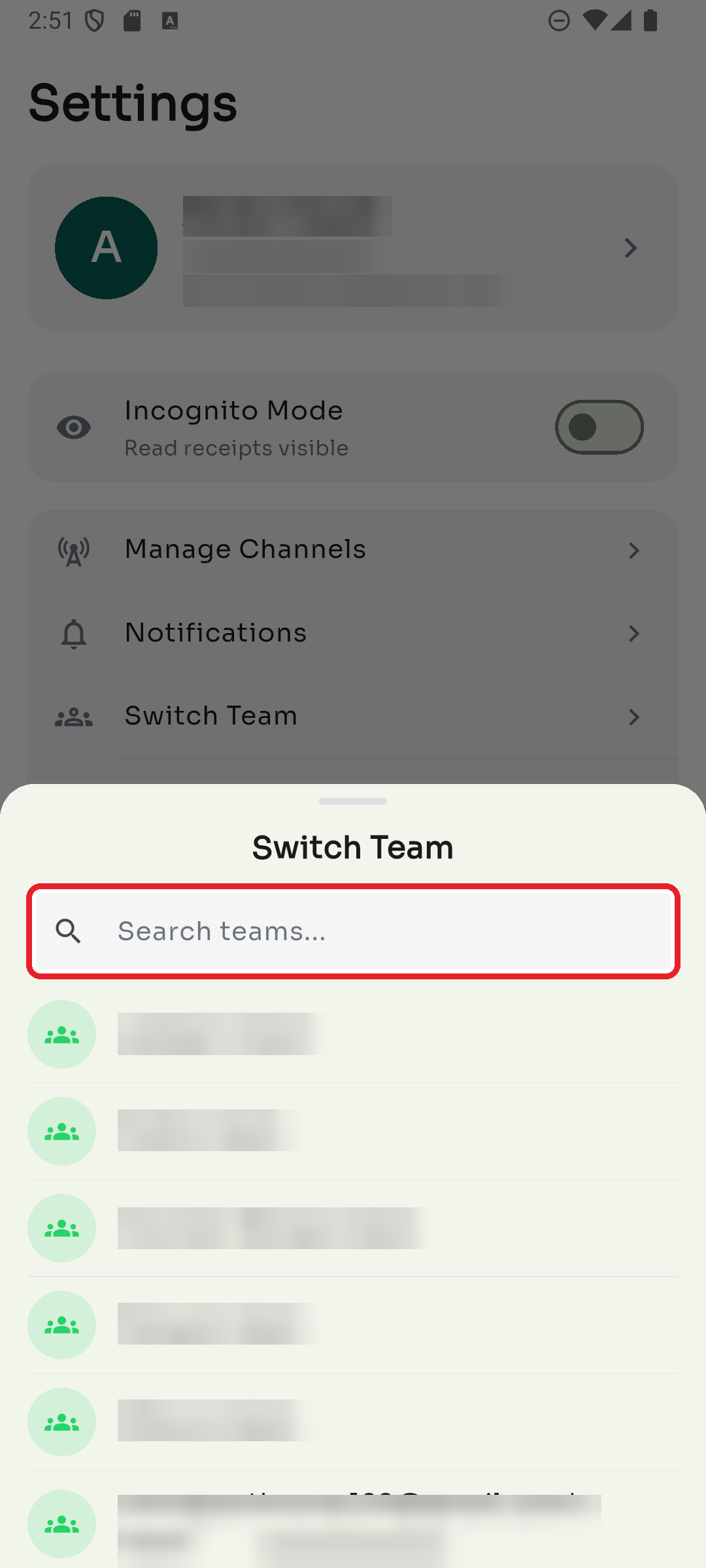
Step 1 — Open Switch Team
Go to Settings → Switch Team.
Step 2 — Pick a team
Search for a team or tap one in the list. The app reloads with that team's chats and channels.
Was this article helpful?