
Some of My Chats Are Missing
If conversations you expect aren't showing in your list, one of these is usually why.
Updated Jul 10, 2026
If conversations you expect aren't showing in your list, one of these is usually why.
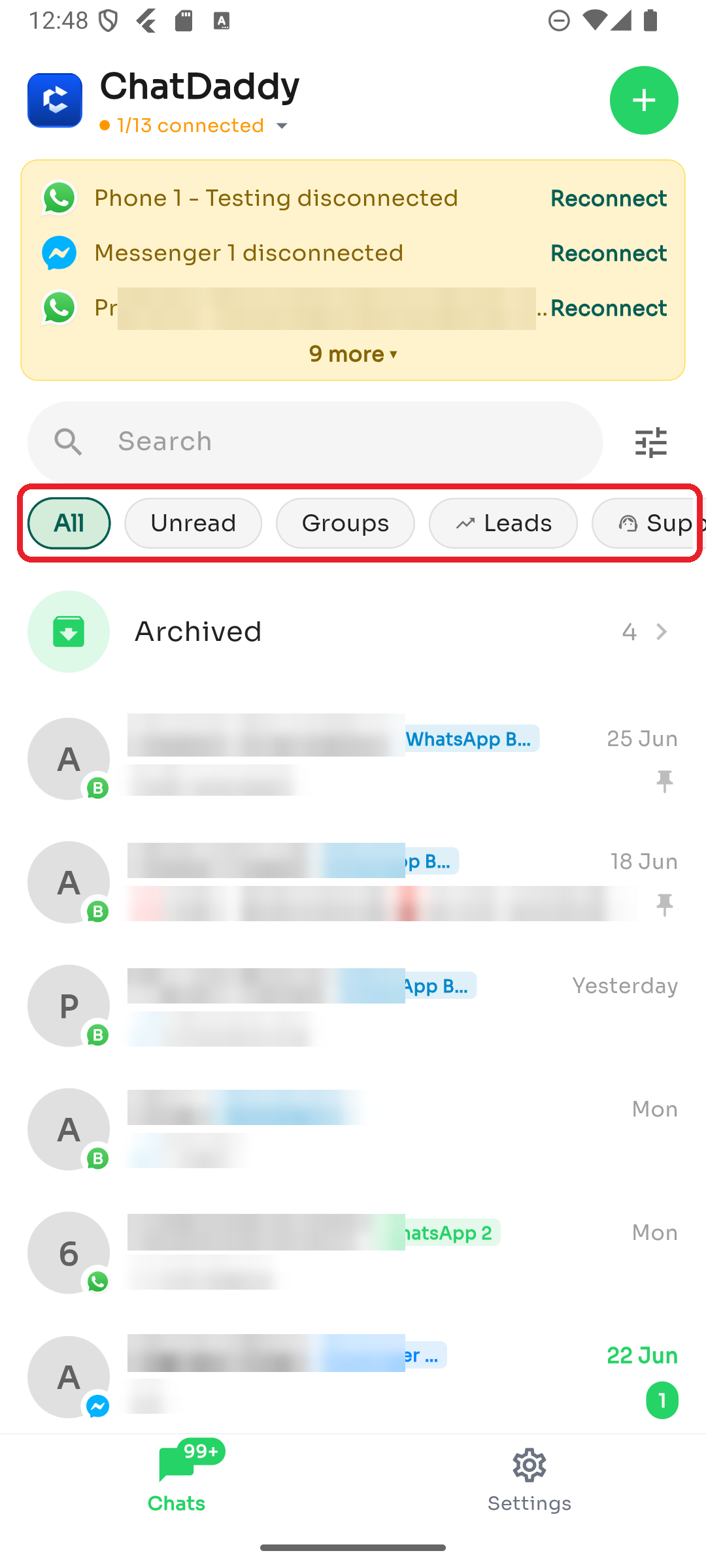
1. A filter is applied
A quick filter (like Unread or Groups) or an advanced filter (Tags/Assignee) may be hiding chats. Tap All and clear any active filters.
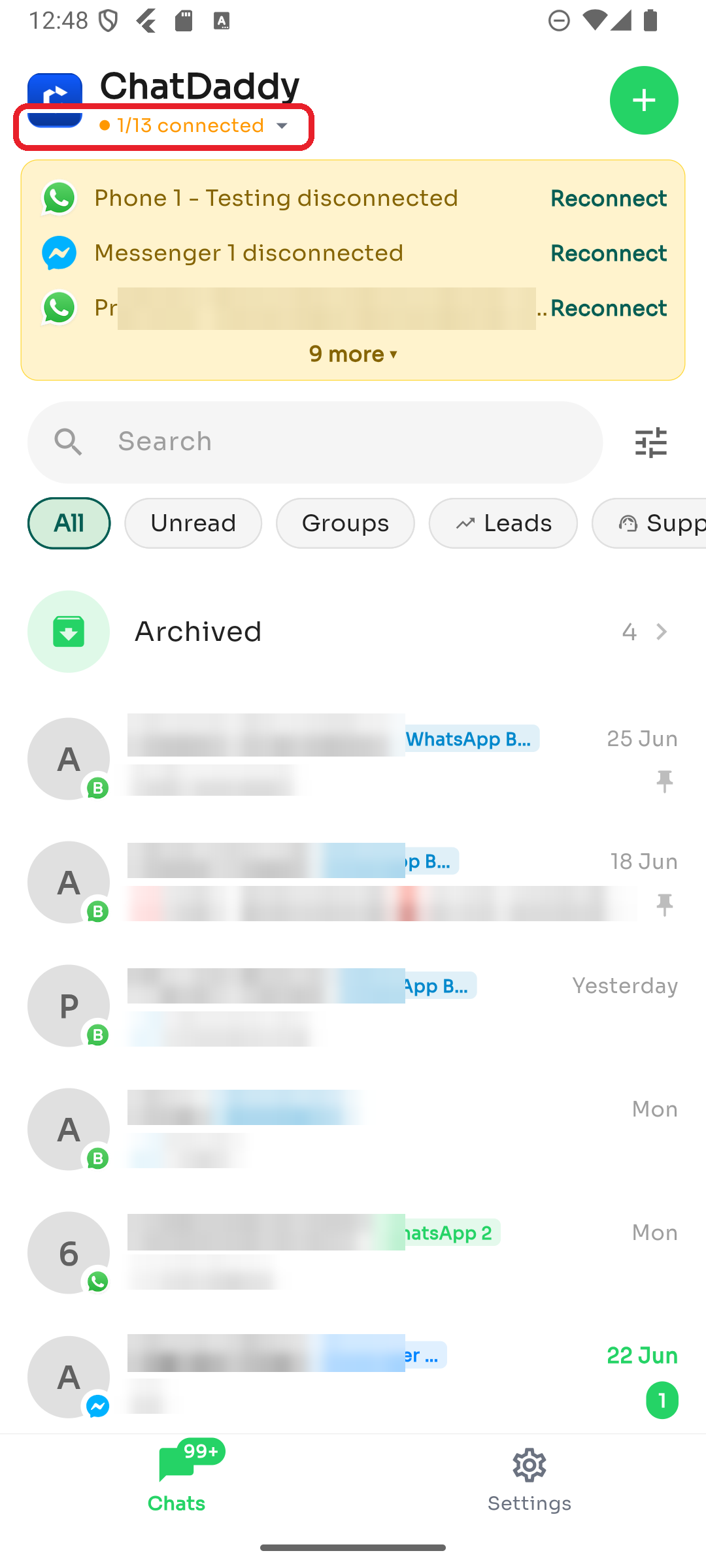
2. You're viewing a single channel
If you've selected one channel, you'll only see its chats. Tap the connection status at the top and choose All Channels.
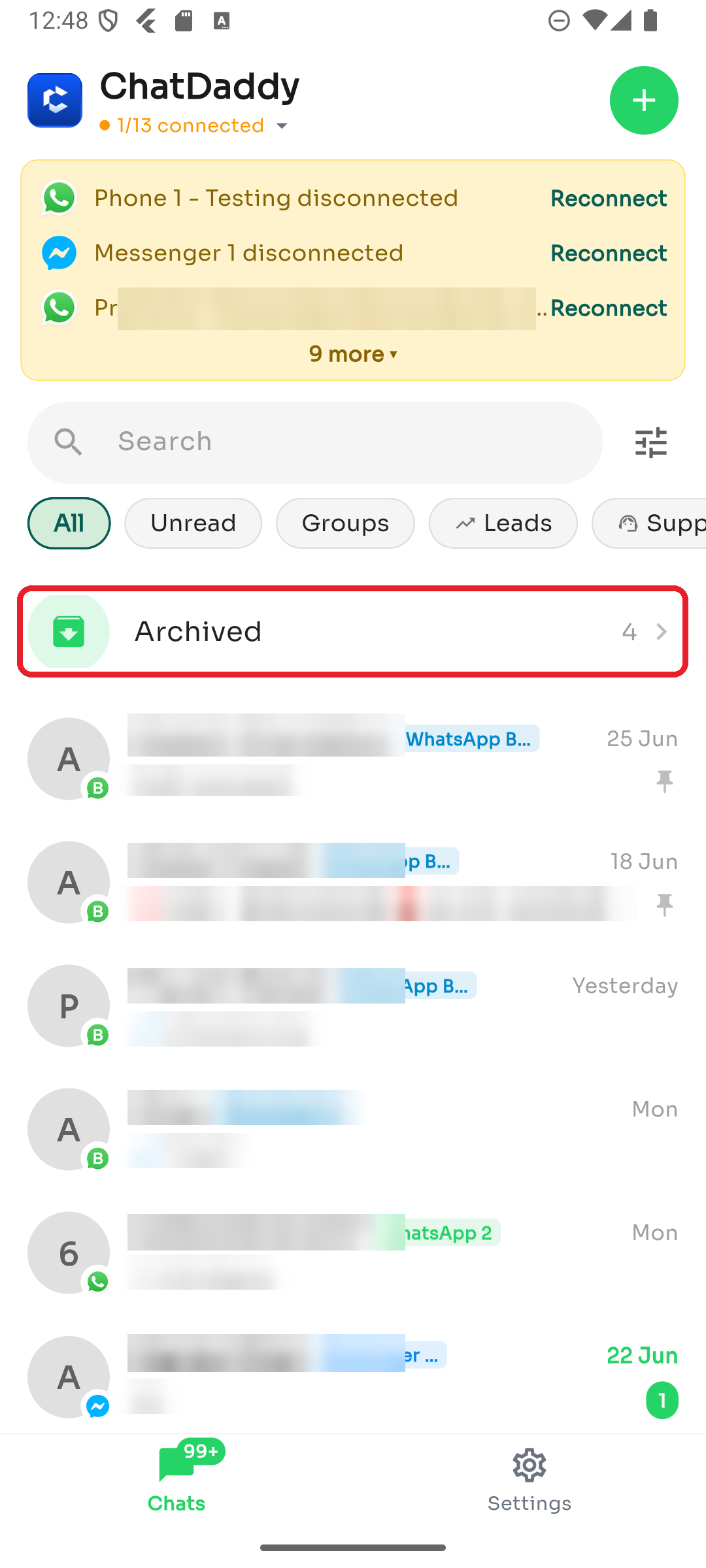
3. The chat is archived
Archived conversations don't appear in the main list. Tap Archived near the top to find them.
4. You're on a different team
If you belong to more than one team, the chat may live in another one. Use Settings → Switch Team to change teams.
5. The channel is disconnected
A disconnected channel won't pull in new messages. Check Settings → Manage Channels and reconnect it if needed.
Was this article helpful?