
What Are the Pop-Up Announcements? (Mobile App)
The pop-ups that appear when you open the ChatDaddy app are team announcements — new features, tips, maintenance and known-issue notices. Here's how they work.
Updated Jul 19, 2026
Also searched as: pop-up announcement, app announcement, what's new popup, notification popup, feature announcement, maintenance notice, in-app message, dismiss announcement, mobile app popup, news popup
Every so often, when you open ChatDaddy, a pop-up may appear with news from the team — a new feature, a helpful tip, a maintenance notice, or a known-issue update.
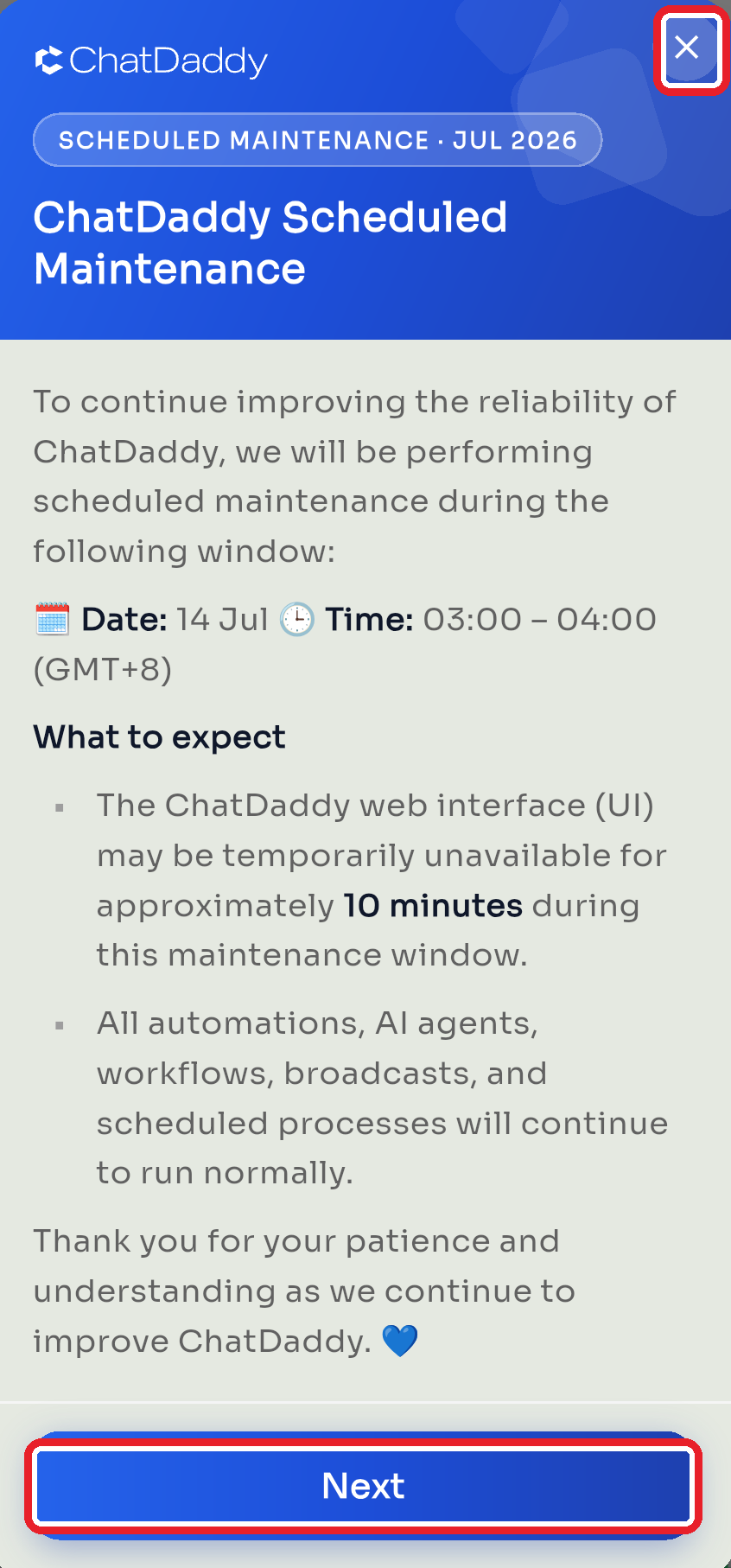
What you can do with them
- Read it — the pop-up shows a title, a date, and a short message (sometimes with a link or image).
- Next — if there's more than one announcement, tap Next to move to the following one.
- Action button — some announcements have a button (for example "Learn more") that opens a web page with more detail.
- Continue — dismiss the announcement and go to the app.
- ✕ (close) — tap the X in the top corner to dismiss it any time.
Good to know
- Announcements appear automatically on app open — you don't need to look for them anywhere.
- Once you've seen one, it won't keep nagging you: depending on the notice, it shows once, once a day, or once a week.
- They're informational — dismissing one never changes your account or settings.
Was this article helpful?